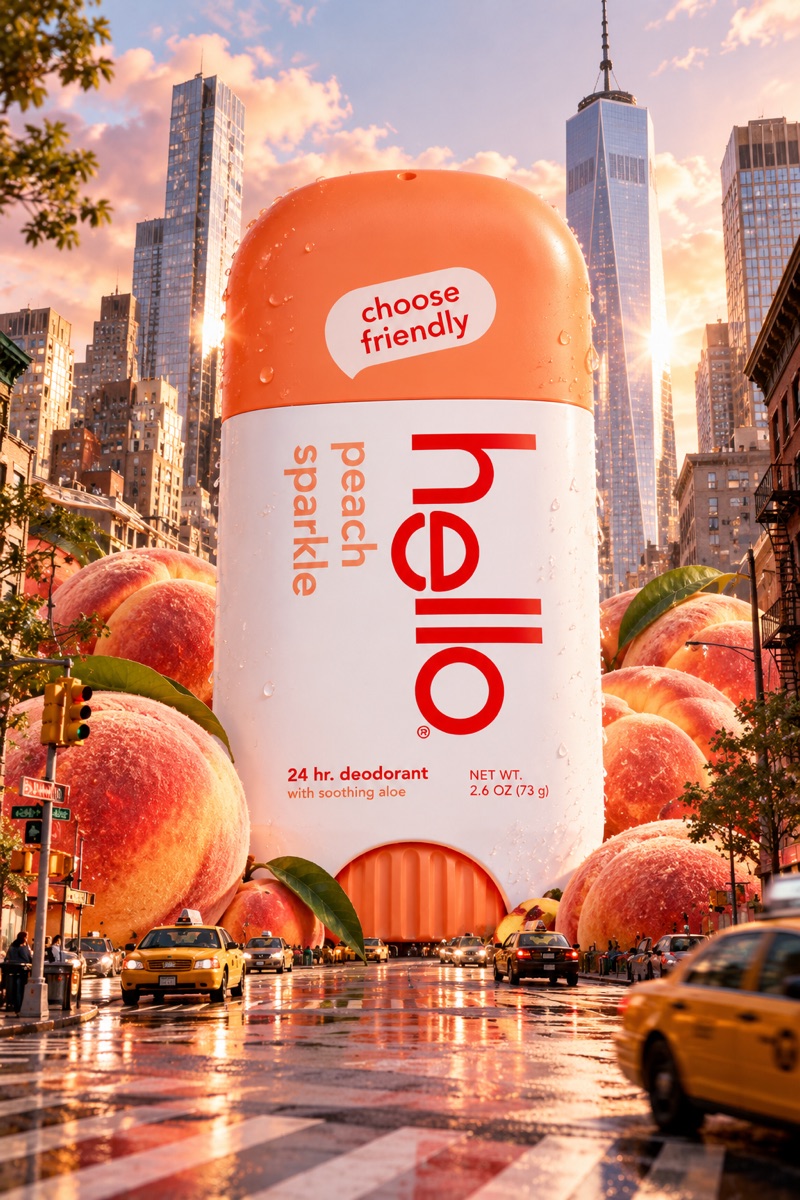
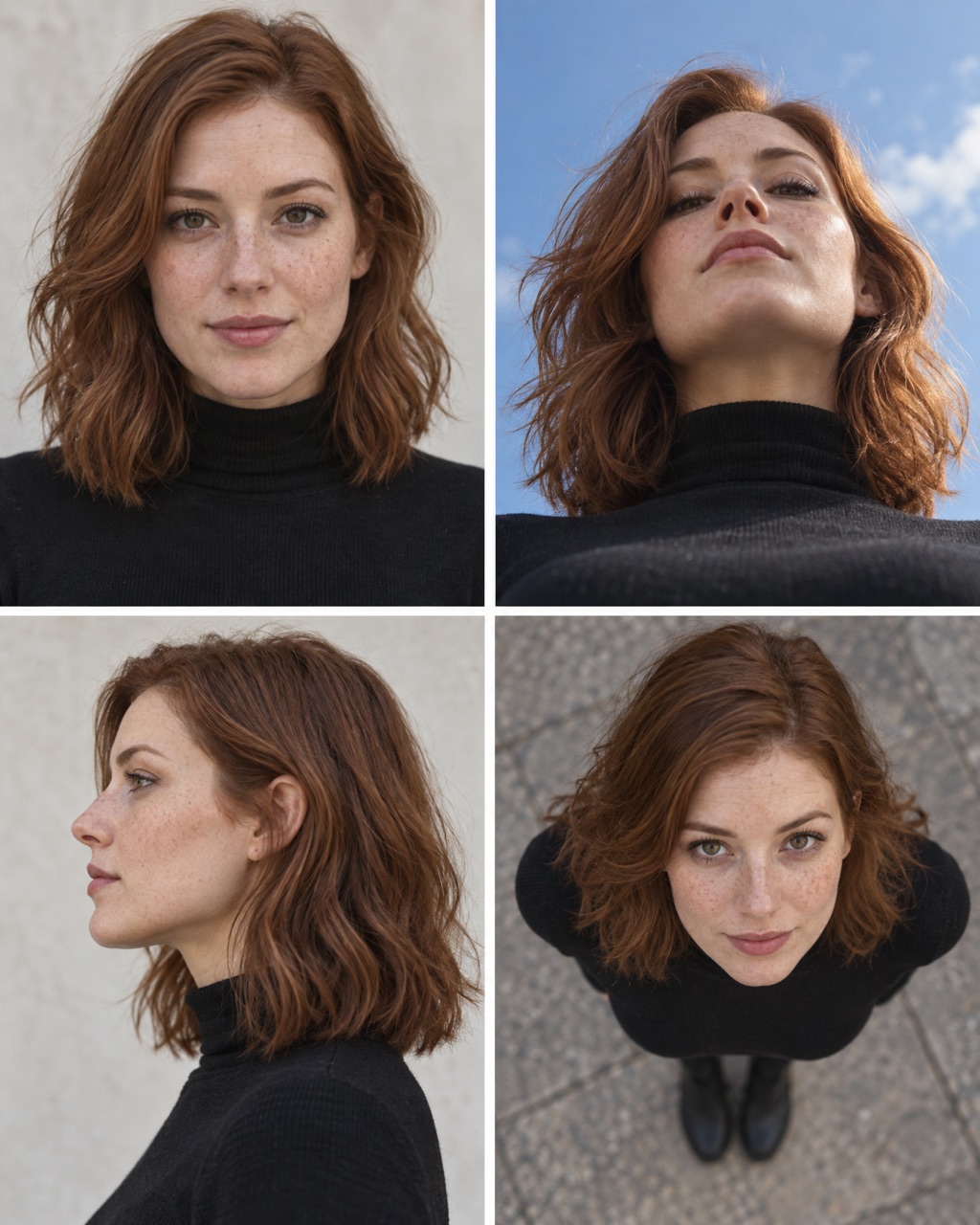
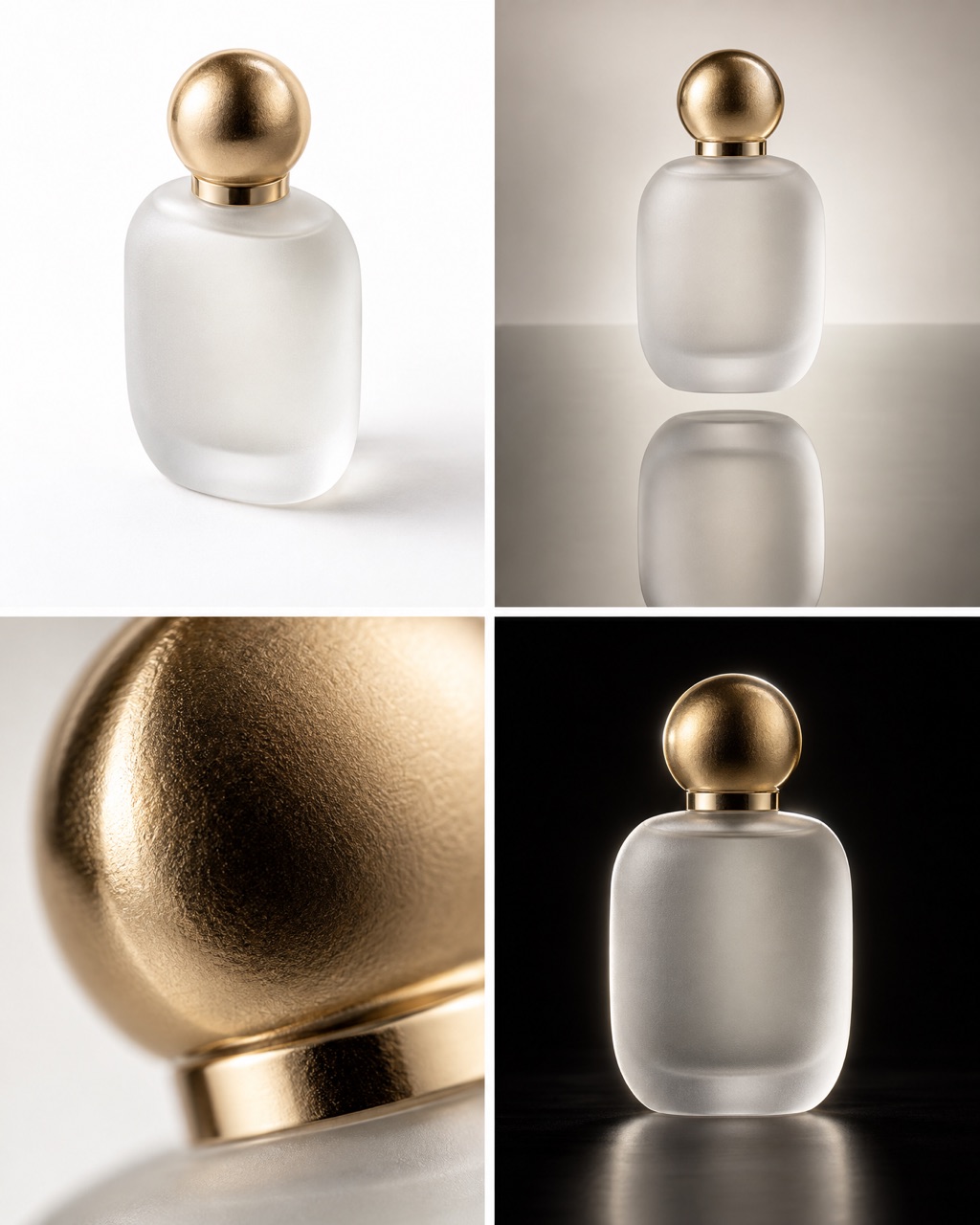
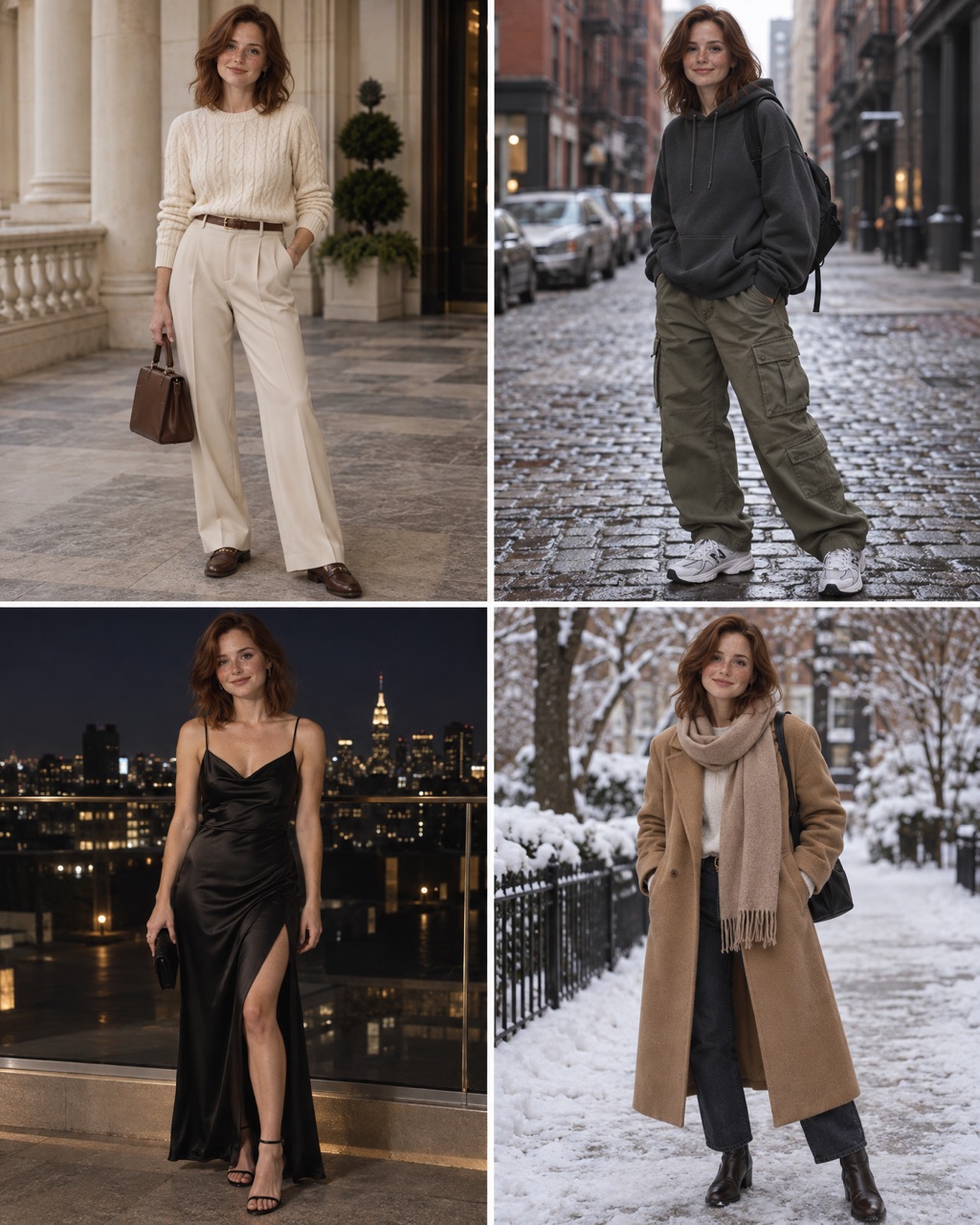
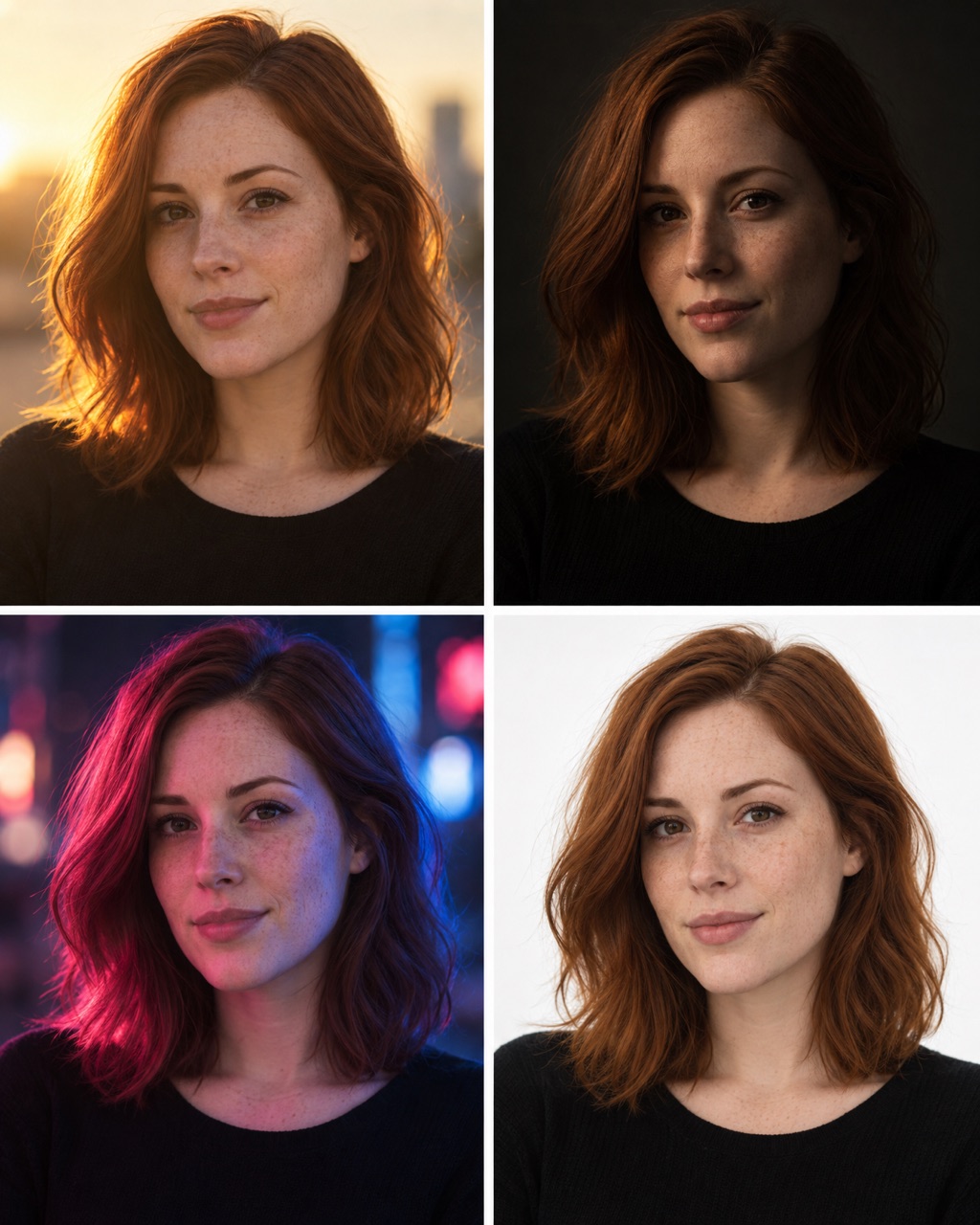
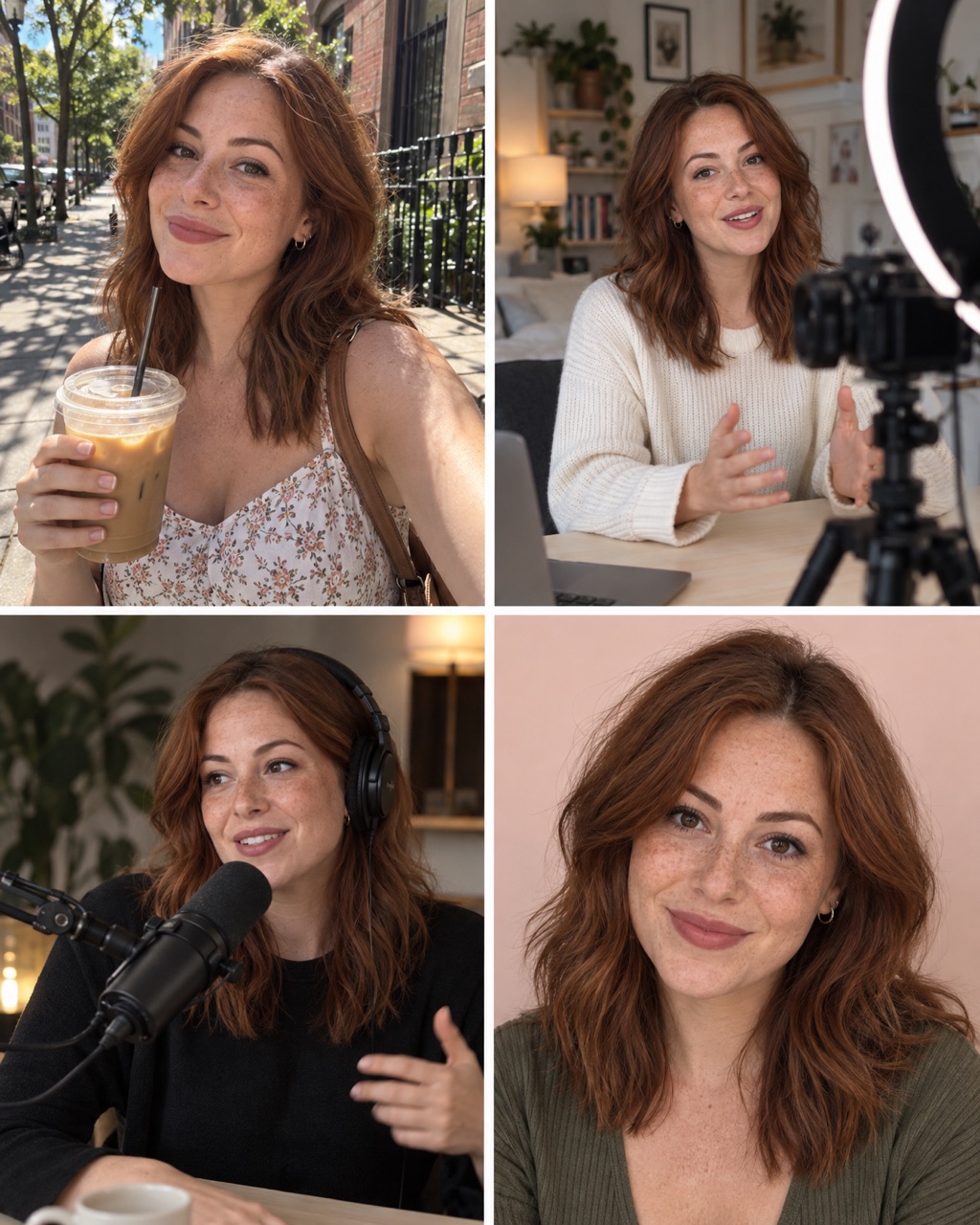
What is a ChatGPT secret code?
It is a short prompt that starts with a slash, like
/linkedinheadshot. You may have seen them in reels about
"hidden ChatGPT tricks".
Here is the honest part: they are not hidden. ChatGPT has no list of secret commands. It reads the words inside the code and works out the rest from your photo. So a code works when its words paint a clear picture.
How to use a code
- Open ChatGPT.
- Upload one clear photo of a person.
- Type the code, for example
/linkedinheadshot, and send it. Nothing else. - Not what you wanted? Generate again, or paste the longer prompt under the code.
If the code misses
A short code leaves a lot for ChatGPT to guess, so results change from try to try. Run it again, or use the longer prompt under each code. It spells out exactly what you want.
You can also paste the longer prompt into other image tools, for example GPT Image 2.5 or Nano Banana on OpenArt.
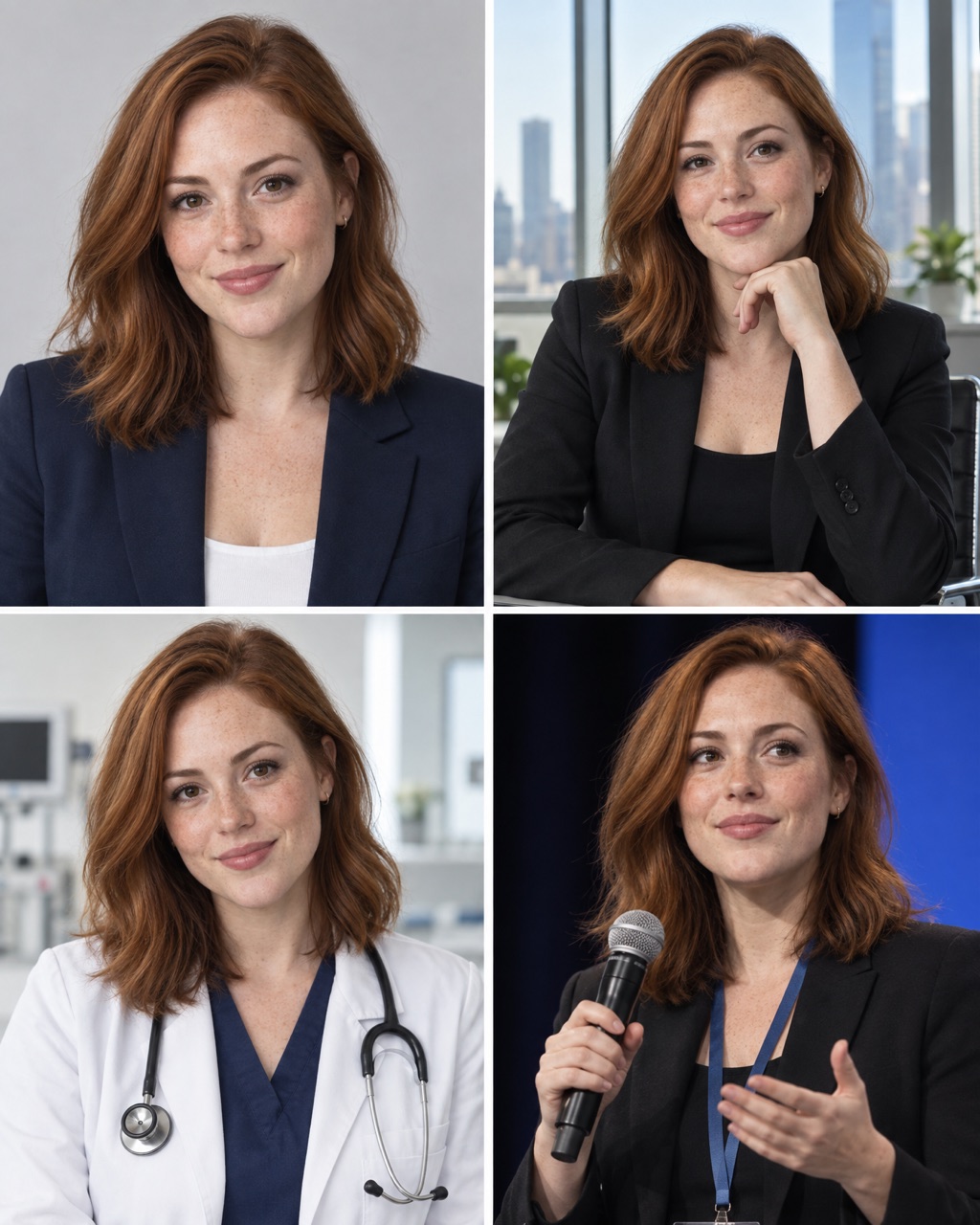
LinkedIn headshot
Code #1A clean, friendly headshot on a plain studio background.
Keep the person from the uploaded photo exactly the same: face, skin, eyes and body shape. Professional LinkedIn headshot: navy blazer, light gray studio background, soft even light, friendly smile, realistic skin.
Corporate headshot
Code #2A formal business headshot.
Keep the person from the uploaded photo exactly the same: face, skin, eyes and body shape. Corporate headshot: dark suit, white shirt, neutral background, studio lighting, confident expression.
CEO portrait
Code #3A confident portrait in a modern office.
Keep the person from the uploaded photo exactly the same: face, skin, eyes and body shape. CEO portrait: tailored suit, standing in a modern glass office with a city view, soft window light.
Founder portrait
Code #4A relaxed startup-founder look.
Keep the person from the uploaded photo exactly the same: face, skin, eyes and body shape. Startup founder portrait: smart casual clothes, bright modern workspace behind, relaxed smile, natural light.
Speaker portrait
Code #5On stage with a microphone.
Keep the person from the uploaded photo exactly the same: face, skin, eyes and body shape. Conference speaker portrait: on stage holding a microphone, stage lights, audience blurred behind.
Doctor portrait
Code #6In a white coat in a bright clinic.
Keep the person from the uploaded photo exactly the same: face, skin, eyes and body shape. Doctor portrait: white coat, stethoscope, bright modern clinic behind, warm trustworthy expression.
Lawyer portrait
Code #7A serious portrait with law books behind.
Keep the person from the uploaded photo exactly the same: face, skin, eyes and body shape. Lawyer portrait: dark suit, law books on shelves behind, soft side light, calm serious expression.
Author portrait
Code #8A warm book-jacket style photo.
Keep the person from the uploaded photo exactly the same: face, skin, eyes and body shape. Author portrait for a book jacket: knit sweater, home library behind, warm soft light, thoughtful expression.
Office portrait
Code #9At a desk in a modern office.
Keep the person from the uploaded photo exactly the same: face, skin, eyes and body shape. Seated at a desk in a modern office, laptop open, smart casual clothes, natural light, friendly look.
Dark background
Code #10A premium headshot on a dark background.
Keep the person from the uploaded photo exactly the same: face, skin, eyes and body shape. Premium headshot on a dark charcoal background, black blazer, soft side light, high-end studio look.
How to make your own code
A code is a picture squeezed into one word. Name things you can see, not feelings.
| Part | Examples |
|---|---|
| Where | city, café, beach, studio |
| How big or close | giant, tiny, close-up, full body |
| What happens | splash, walking, laughing, frozen |
| How it is shot | low angle, flash, golden hour, black background |
Put two or three of these together into one word. Then test your code in a new chat, three times, with a different photo each time. Keep it only if all three look good.
Questions
Are ChatGPT secret codes real hidden commands?
No. ChatGPT has no secret list of codes. A code like /linkedinheadshot is just a short prompt with the spaces taken out. ChatGPT reads the words inside it and guesses the rest. That is why a good code is a clear picture in two to four words.
Why does my result look different from the example?
ChatGPT makes a new image every time, and it fills in the details itself. Your photo and even your chat history change the result. If the code misses, run it again, or use the longer prompt under it.
Do these codes work in other AI image tools?
Many image tools send your text straight to the image model, with no chat model in between to read the code. There, the longer prompt is the safer choice.
What photo should I upload?
One sharp, front-facing photo in good light, with the face easy to see. ChatGPT copies what it can see, so a dark or blurry photo gives you a dark or blurry face.
Can I make my own codes?
Yes. Name the picture you want: the place, the size, the light or the style. Every word in a good code describes something you can see. A word like /cool does not, so the results jump around.
Are these codes free?
Yes. Copy them, change them and use the images for your own posts.