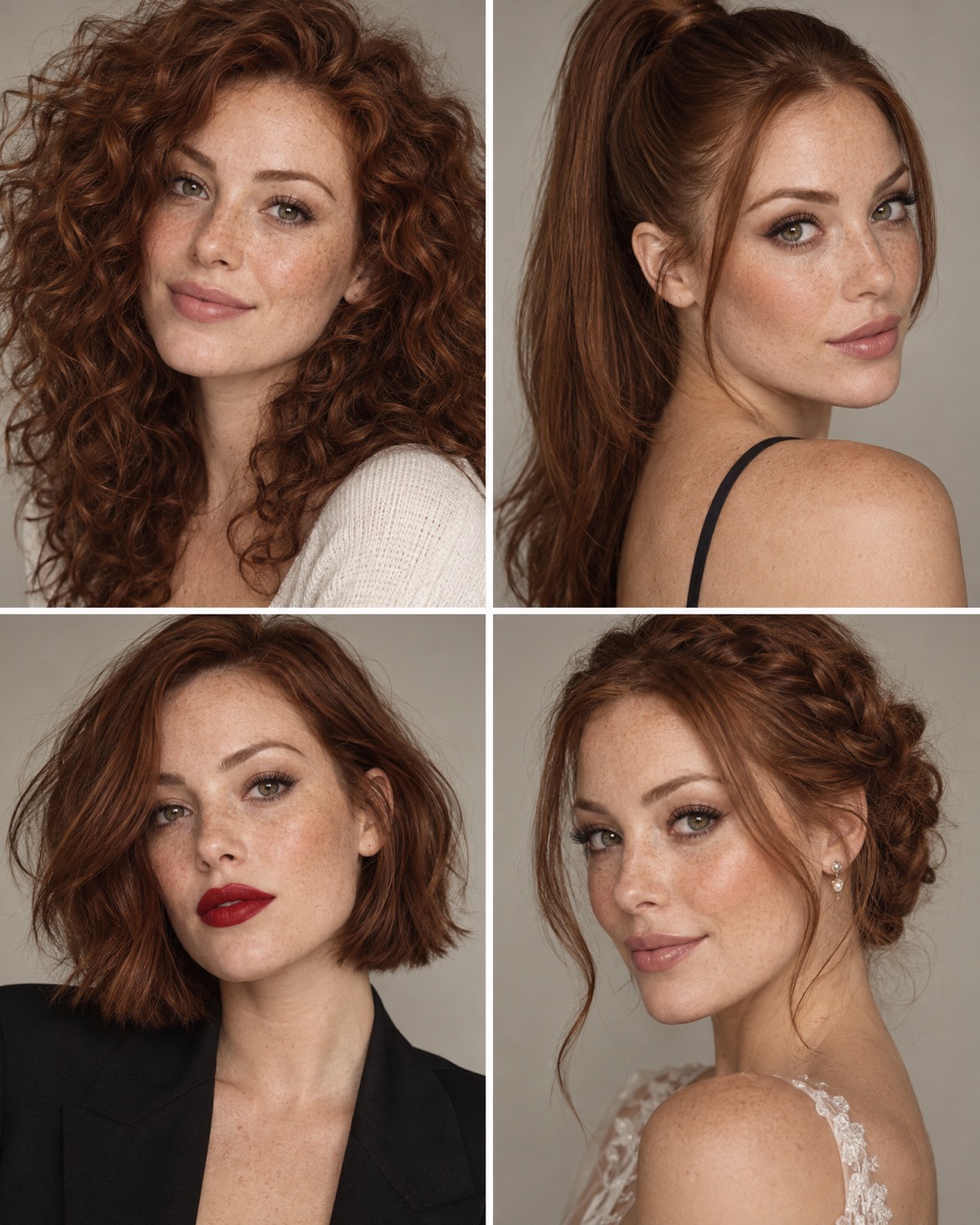
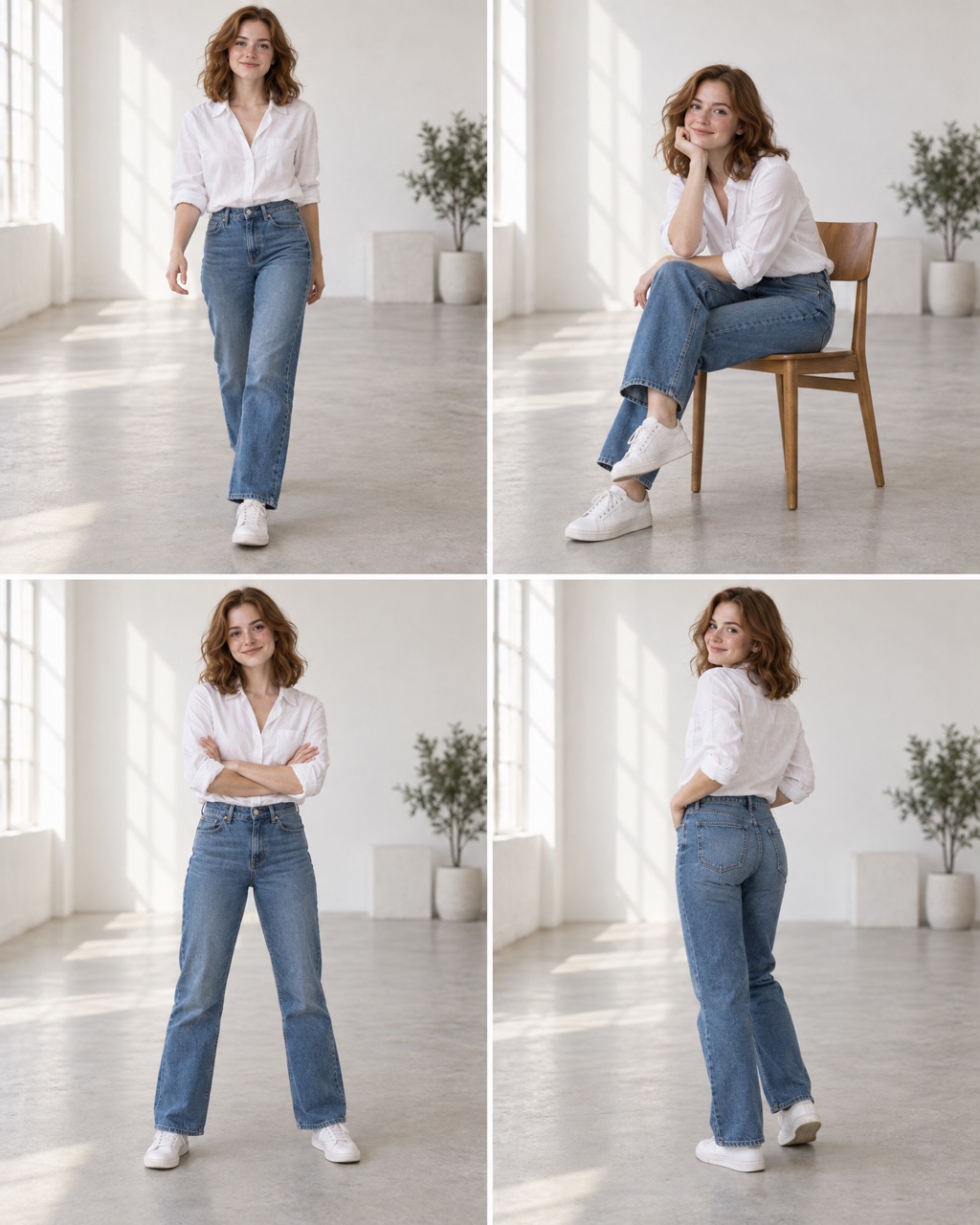
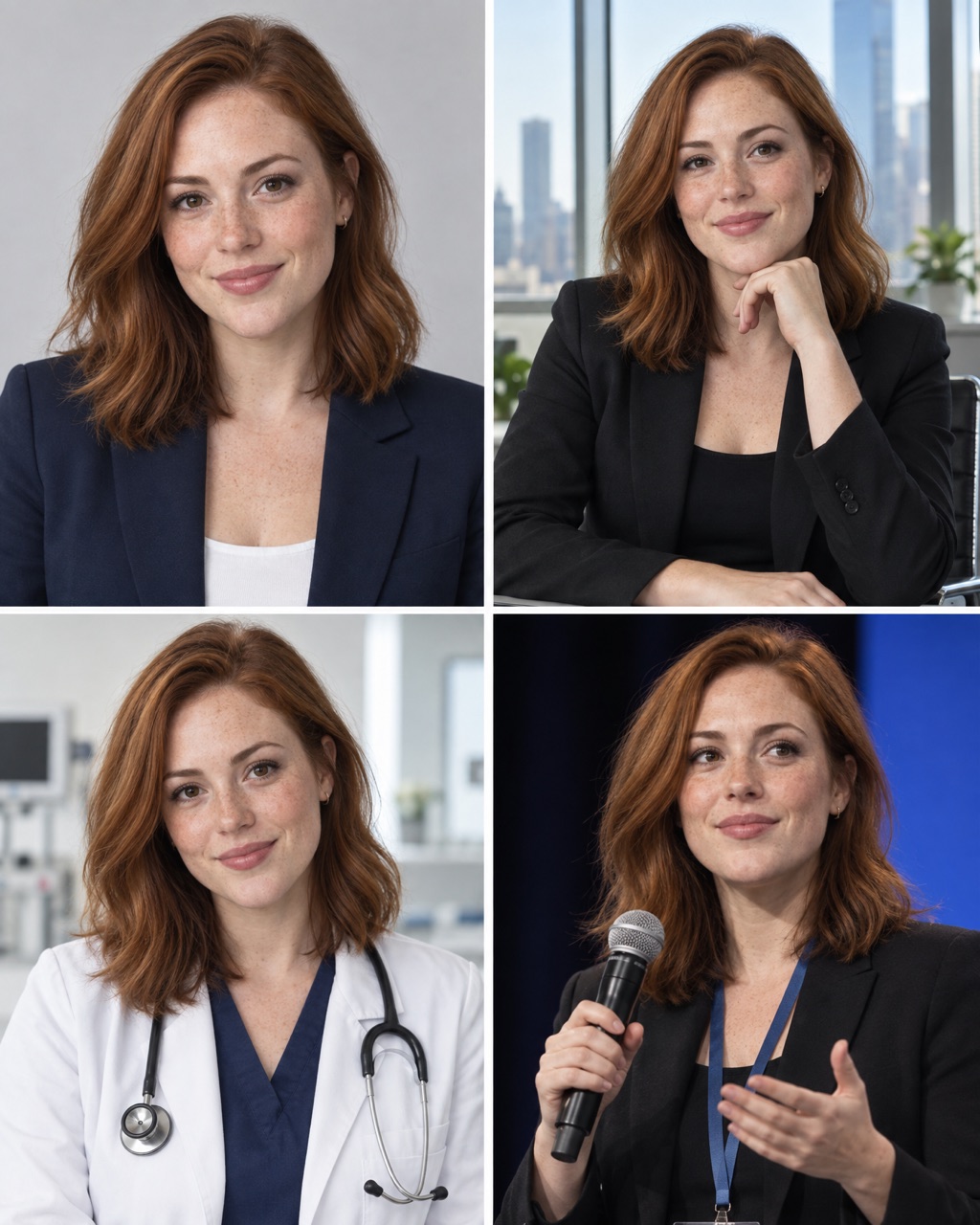
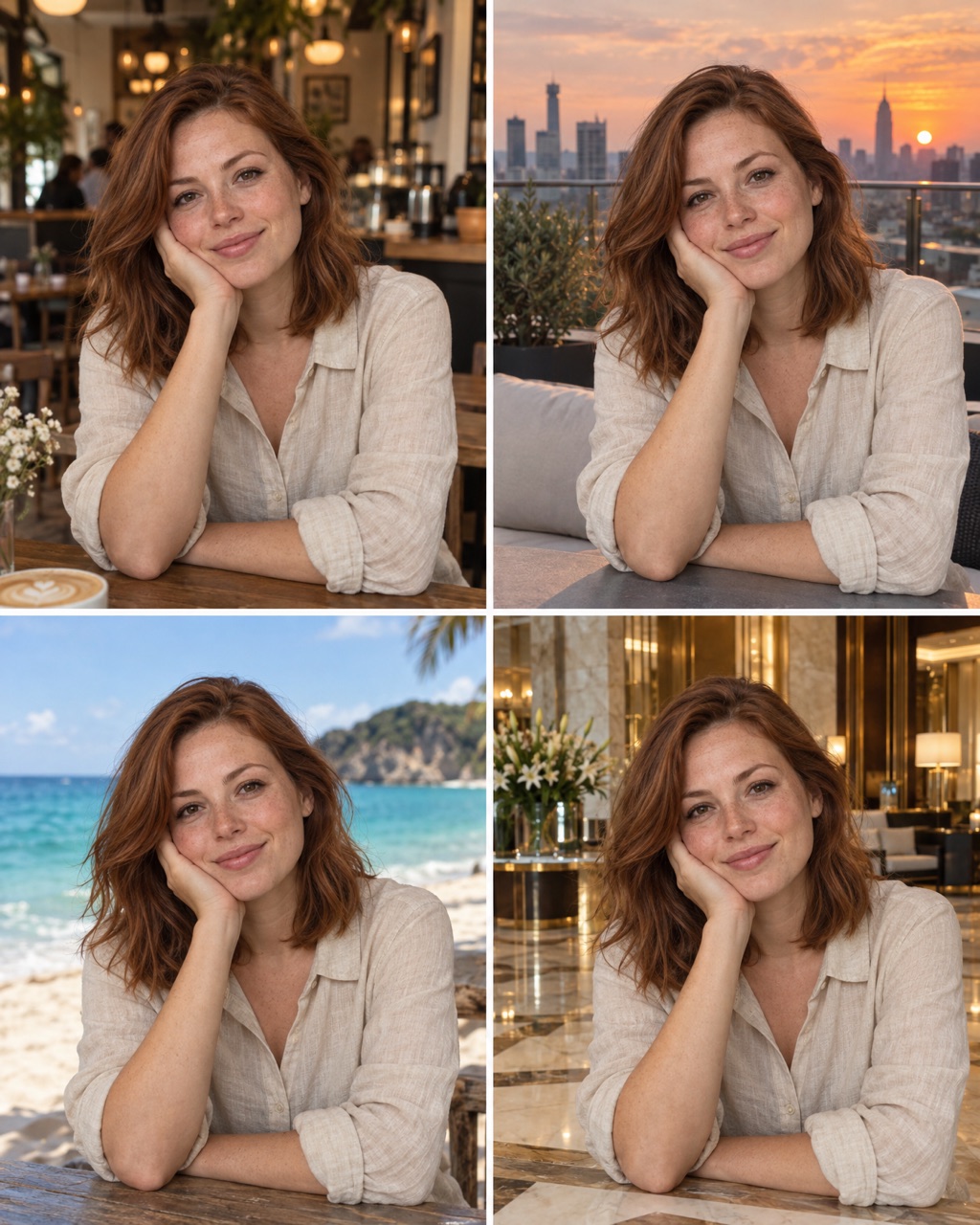
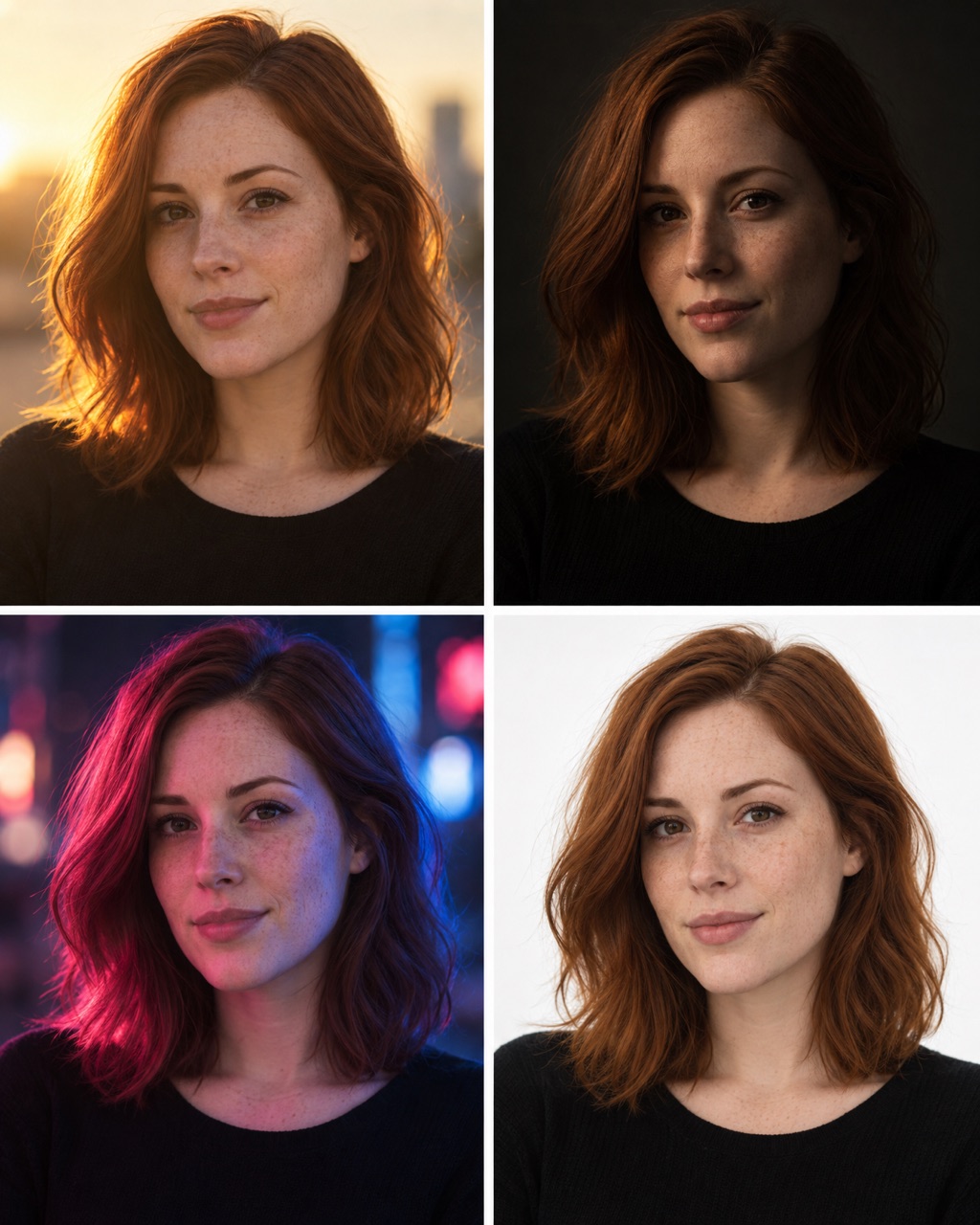
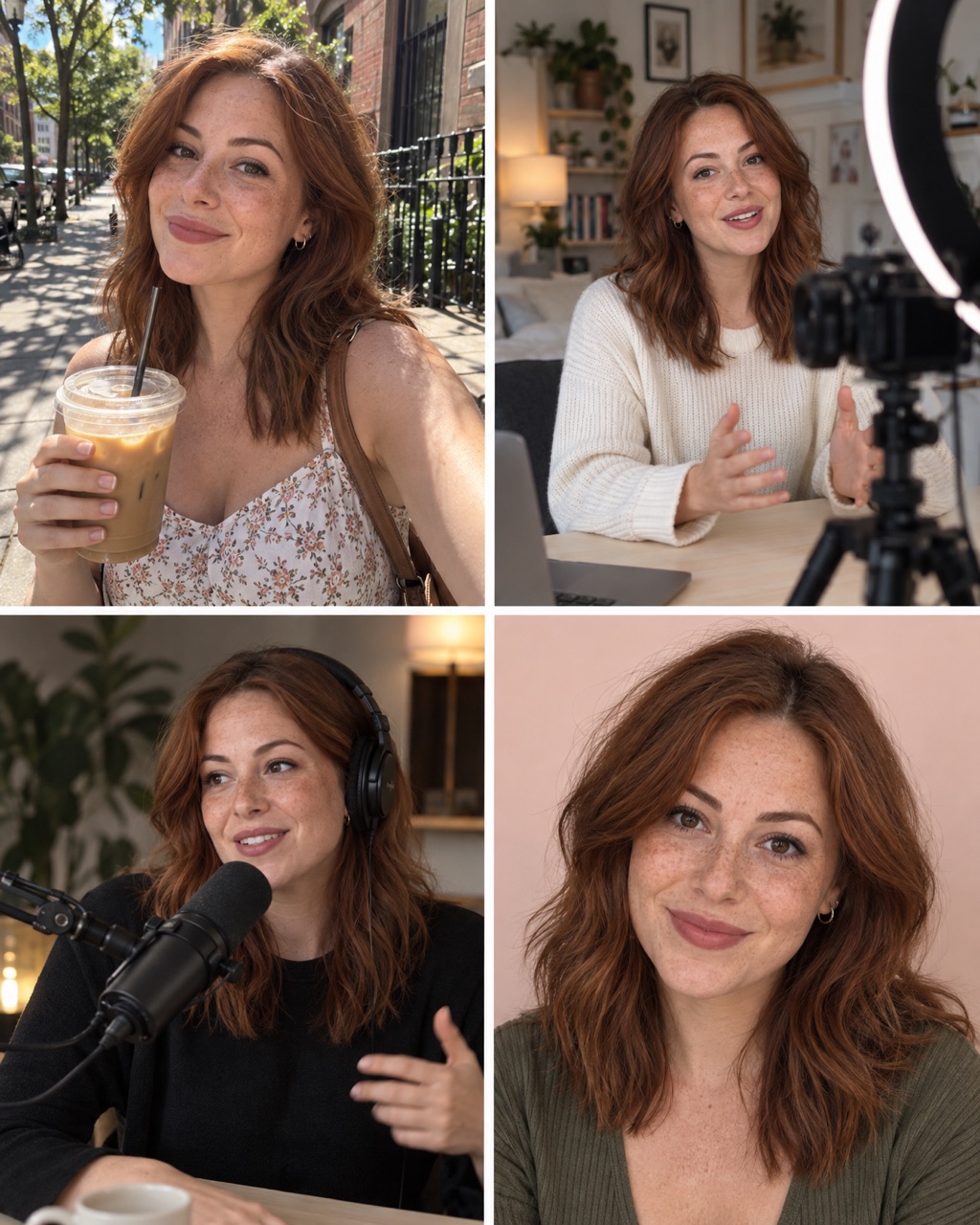
What is a ChatGPT secret code?
It is a short prompt that starts with a slash, like
/frontangle. You may have seen them in reels about
"hidden ChatGPT tricks".
Here is the honest part: they are not hidden. ChatGPT has no list of secret commands. It reads the words inside the code and works out the rest from your photo. So a code works when its words paint a clear picture.
How to use a code
- Open ChatGPT.
- Upload one clear photo of a person.
- Type the code, for example
/frontangle, and send it. Nothing else. - Not what you wanted? Generate again, or paste the longer prompt under the code.
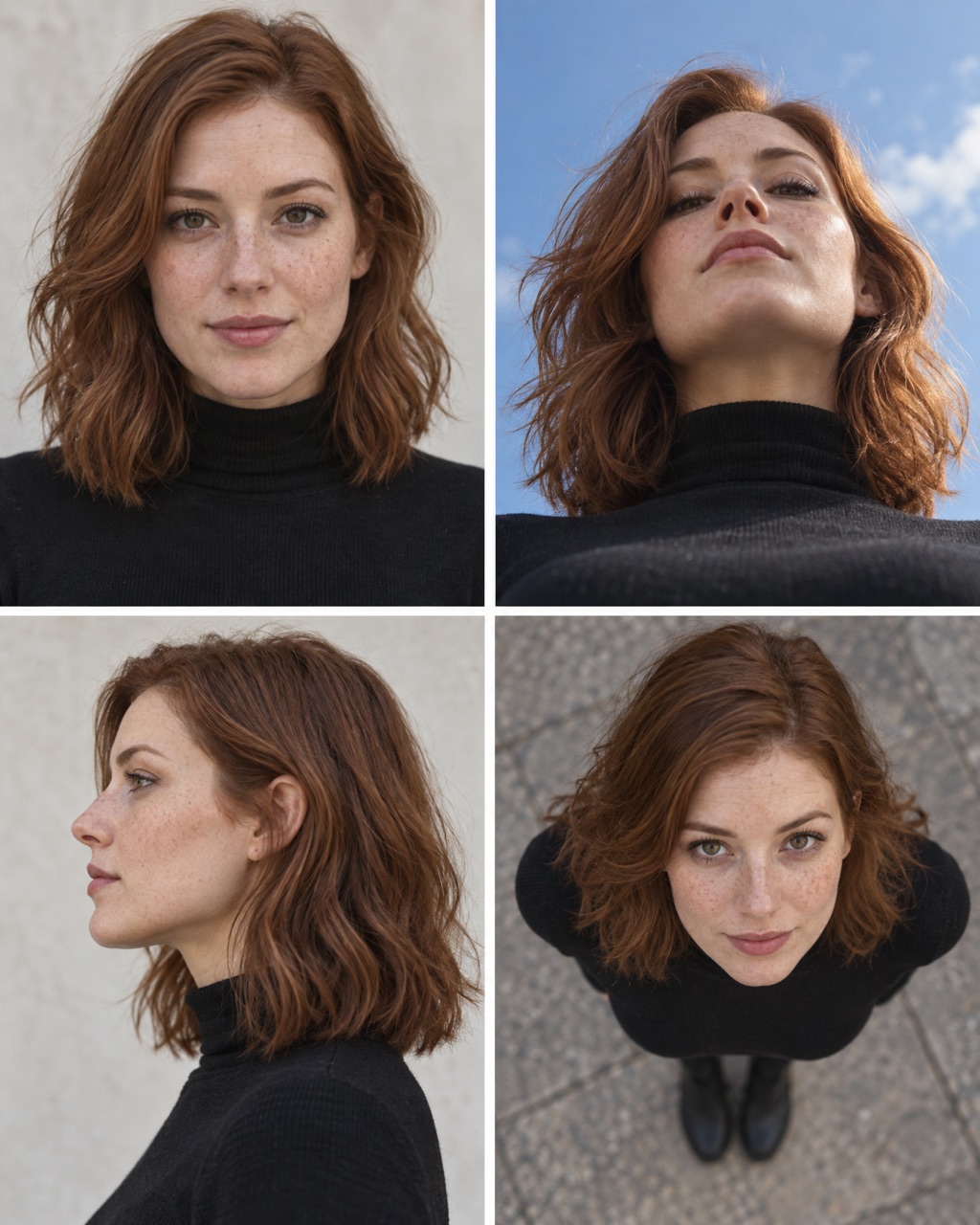
If the code misses
A short code leaves a lot for ChatGPT to guess, so results change from try to try. Run it again, or use the longer prompt under each code. It spells out exactly what you want.
You can also paste the longer prompt into other image tools, for example GPT Image 2.5 or Nano Banana on OpenArt.
Front, eye level
Code #1A straight-on photo, face to face with the camera.
Keep the person from the uploaded photo exactly the same: face, skin, eyes and body shape. Photograph them straight from the front, camera at eye level, face centered in the frame, natural light, realistic portrait photo.
Three-quarter angle
Code #2The classic portrait angle: the body turned about 45 degrees.
Keep the person from the uploaded photo exactly the same: face, skin, eyes and body shape. Turn them about 45 degrees away from the camera, face still toward the lens, classic three-quarter portrait, soft light.
Side profile
Code #3A clean side view, like a coin portrait.
Keep the person from the uploaded photo exactly the same: face, skin, eyes and body shape. Show them in a clean 90-degree side profile, plain background, soft light that traces the line of the face.
Low angle
Code #4The camera looks up at the person, so they look tall and strong.
Keep the person from the uploaded photo exactly the same: face, skin, eyes and body shape. Shoot from a low angle, camera below waist height looking up at them, sky or ceiling behind, confident editorial look.
High angle
Code #5The camera looks down a little, softer and more personal.
Keep the person from the uploaded photo exactly the same: face, skin, eyes and body shape. Shoot from slightly above eye level, camera looking down at them, they look up at the lens, soft natural light.
Bird's-eye view
Code #6The camera straight above, looking down.
Keep the person from the uploaded photo exactly the same: face, skin, eyes and body shape. Shoot from directly above, bird's-eye view, they look up at the camera, the floor around them fills the frame.
Worm's-eye view
Code #7The camera almost on the ground, looking far up.
Keep the person from the uploaded photo exactly the same: face, skin, eyes and body shape. Shoot from ground level looking steeply up at them, extreme low angle, dramatic sky behind, wide lens.
Dutch angle
Code #8A tilted frame that feels tense or playful.
Keep the person from the uploaded photo exactly the same: face, skin, eyes and body shape. Tilt the camera about 20 degrees for a Dutch angle, modern editorial composition, same pose and outfit.
Over the shoulder
Code #9The shot framed over someone's shoulder, like a film scene.
Keep the person from the uploaded photo exactly the same: face, skin, eyes and body shape. Frame the shot over another person's blurred shoulder in the foreground, they face the camera, cinematic film still.
From behind, three-quarter
Code #10From behind and to the side, with the face just visible.
Keep the person from the uploaded photo exactly the same: face, skin, eyes and body shape. Show them from behind at a 45-degree angle, face turned slightly so the profile is just visible, same hair and outfit.
How to make your own code
A code is a picture squeezed into one word. Name things you can see, not feelings.
| Part | Examples |
|---|---|
| Where | city, café, beach, studio |
| How big or close | giant, tiny, close-up, full body |
| What happens | splash, walking, laughing, frozen |
| How it is shot | low angle, flash, golden hour, black background |
Put two or three of these together into one word. Then test your code in a new chat, three times, with a different photo each time. Keep it only if all three look good.
Questions
Are ChatGPT secret codes real hidden commands?
No. ChatGPT has no secret list of codes. A code like /frontangle is just a short prompt with the spaces taken out. ChatGPT reads the words inside it and guesses the rest. That is why a good code is a clear picture in two to four words.
Why does my result look different from the example?
ChatGPT makes a new image every time, and it fills in the details itself. Your photo and even your chat history change the result. If the code misses, run it again, or use the longer prompt under it.
Do these codes work in other AI image tools?
Many image tools send your text straight to the image model, with no chat model in between to read the code. There, the longer prompt is the safer choice.
What photo should I upload?
One sharp, front-facing photo in good light, with the face easy to see. ChatGPT copies what it can see, so a dark or blurry photo gives you a dark or blurry face.
Can I make my own codes?
Yes. Name the picture you want: the place, the size, the light or the style. Every word in a good code describes something you can see. A word like /cool does not, so the results jump around.
Are these codes free?
Yes. Copy them, change them and use the images for your own posts.