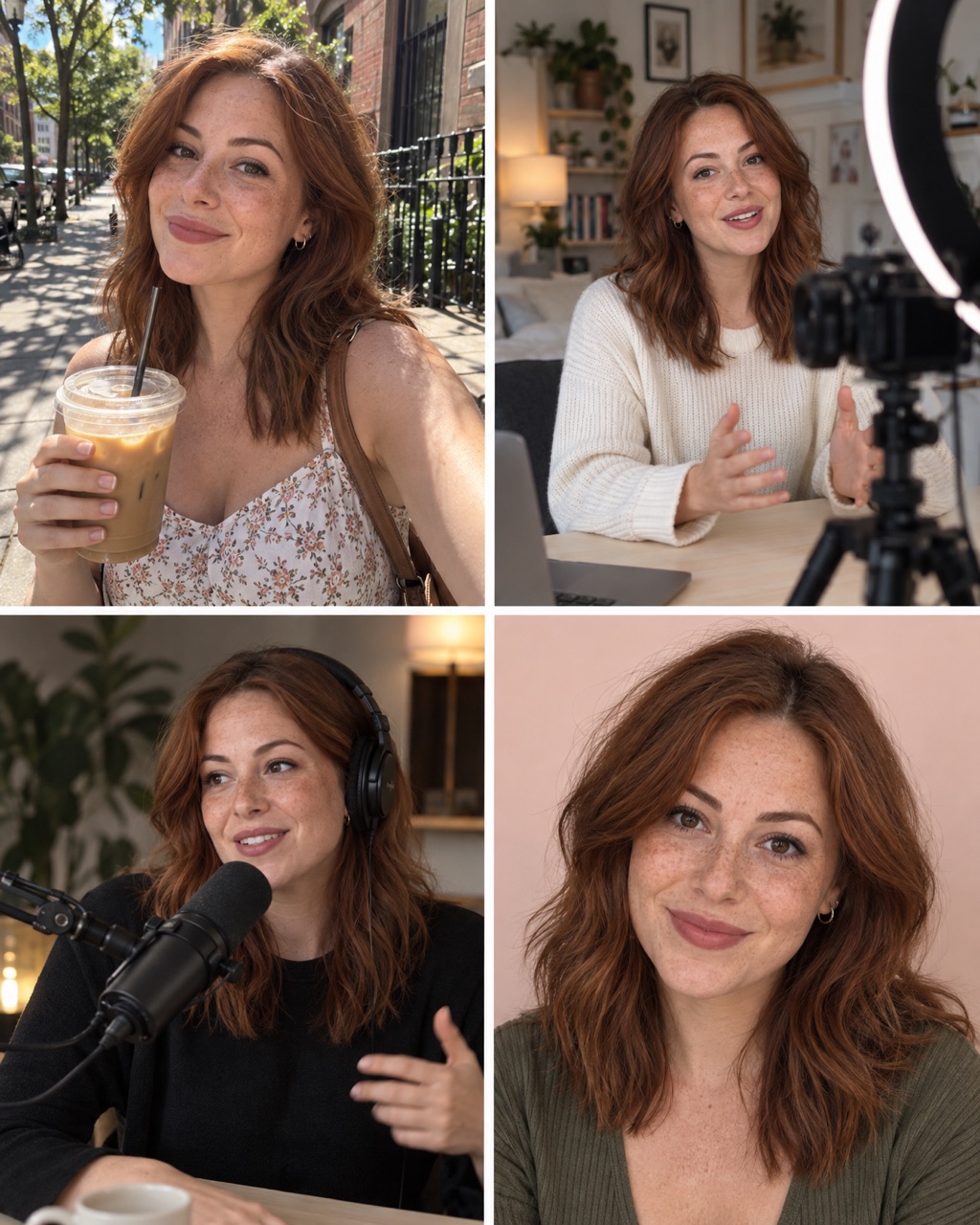
What is a ChatGPT secret code?
It is a short prompt that starts with a slash, like
/backgroundcafe. You may have seen them in reels about
"hidden ChatGPT tricks".
Here is the honest part: they are not hidden. ChatGPT has no list of secret commands. It reads the words inside the code and works out the rest from your photo. So a code works when its words paint a clear picture.
How to use a code
- Open ChatGPT.
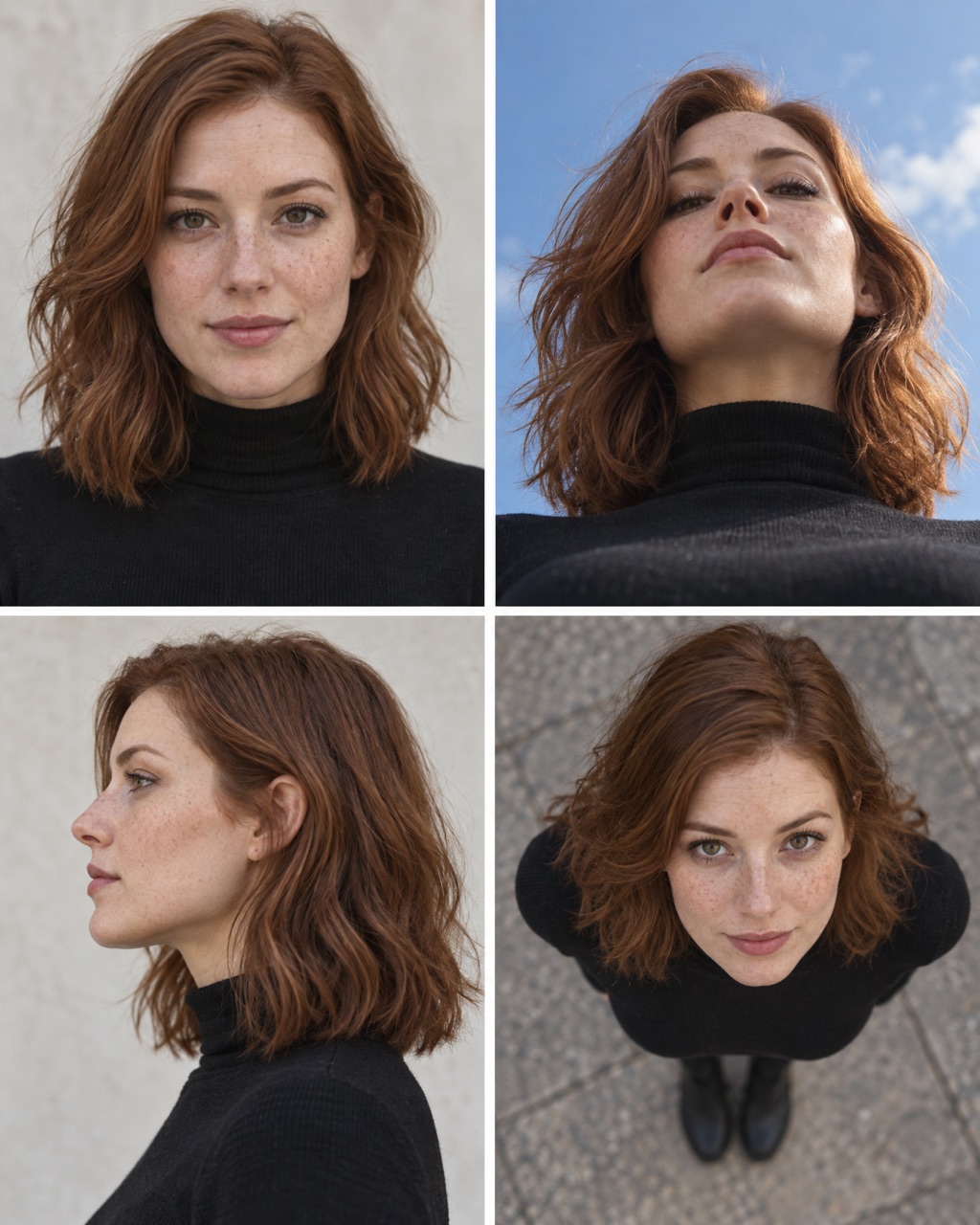
- Upload one clear photo of a person.
- Type the code, for example
/backgroundcafe, and send it. Nothing else. - Not what you wanted? Generate again, or paste the longer prompt under the code.
If the code misses
A short code leaves a lot for ChatGPT to guess, so results change from try to try. Run it again, or use the longer prompt under each code. It spells out exactly what you want.
You can also paste the longer prompt into other image tools, for example GPT Image 2.5 or Nano Banana on OpenArt.
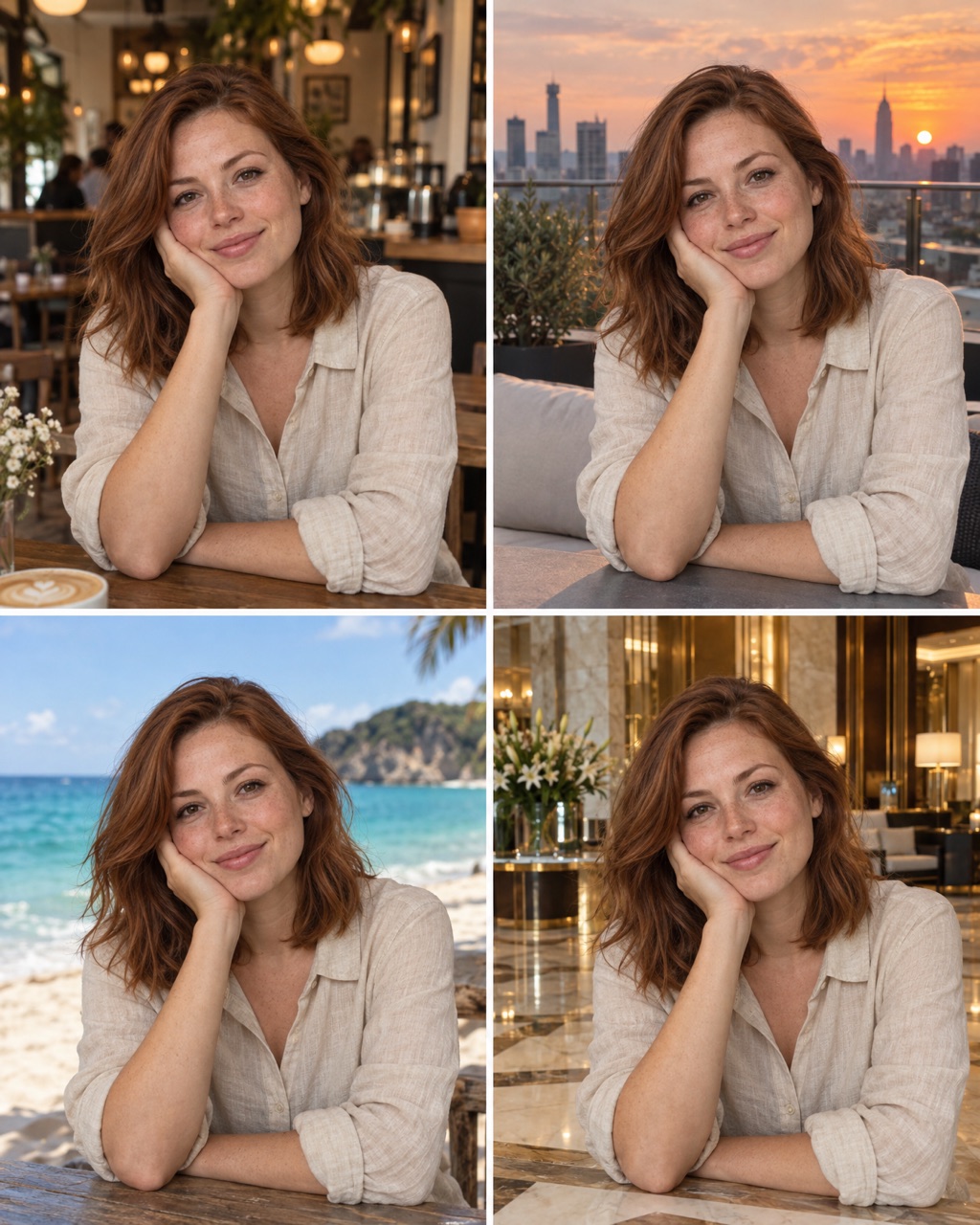
Café
Code #1A cozy café with warm lights.
Keep the person from the uploaded photo exactly the same: face, skin, eyes and body shape. Same pose and outfit. Replace the background with a cozy café, warm lights, coffee cups on the table, soft blur.
Hotel lobby
Code #2A luxury hotel lobby with marble.
Keep the person from the uploaded photo exactly the same: face, skin, eyes and body shape. Same pose and outfit. Replace the background with a luxury hotel lobby, marble floor, gold details, soft light.
Rooftop
Code #3A city rooftop at sunset.
Keep the person from the uploaded photo exactly the same: face, skin, eyes and body shape. Same pose and outfit. Replace the background with a rooftop terrace, city skyline at sunset, warm light on the face.
Beach
Code #4A sunny beach with blue water.
Keep the person from the uploaded photo exactly the same: face, skin, eyes and body shape. Same pose and outfit. Replace the background with a sunny beach, turquoise water, soft sea breeze in the hair.
City street
Code #5A real city street behind you.
Keep the person from the uploaded photo exactly the same: face, skin, eyes and body shape. Same pose and outfit. Replace the background with a busy city street, shop windows, natural daylight, soft blur.
Garden
Code #6A green garden with flowers.
Keep the person from the uploaded photo exactly the same: face, skin, eyes and body shape. Same pose and outfit. Replace the background with a green garden full of flowers, soft daylight.
Office
Code #7A modern, bright office.
Keep the person from the uploaded photo exactly the same: face, skin, eyes and body shape. Same pose and outfit. Replace the background with a modern bright office, plants and glass walls, soft blur.
Luxury interior
Code #8An expensive-looking room.
Keep the person from the uploaded photo exactly the same: face, skin, eyes and body shape. Same pose and outfit. Replace the background with a luxury living room, velvet sofa, art on the walls, warm light.
Blurred
Code #9Keeps the place but blurs it, like a pro camera.
Keep the person from the uploaded photo exactly the same: face, skin, eyes and body shape. Same pose and outfit. Keep the same place but blur the background strongly, like an 85mm lens at f/1.4.
Cinematic
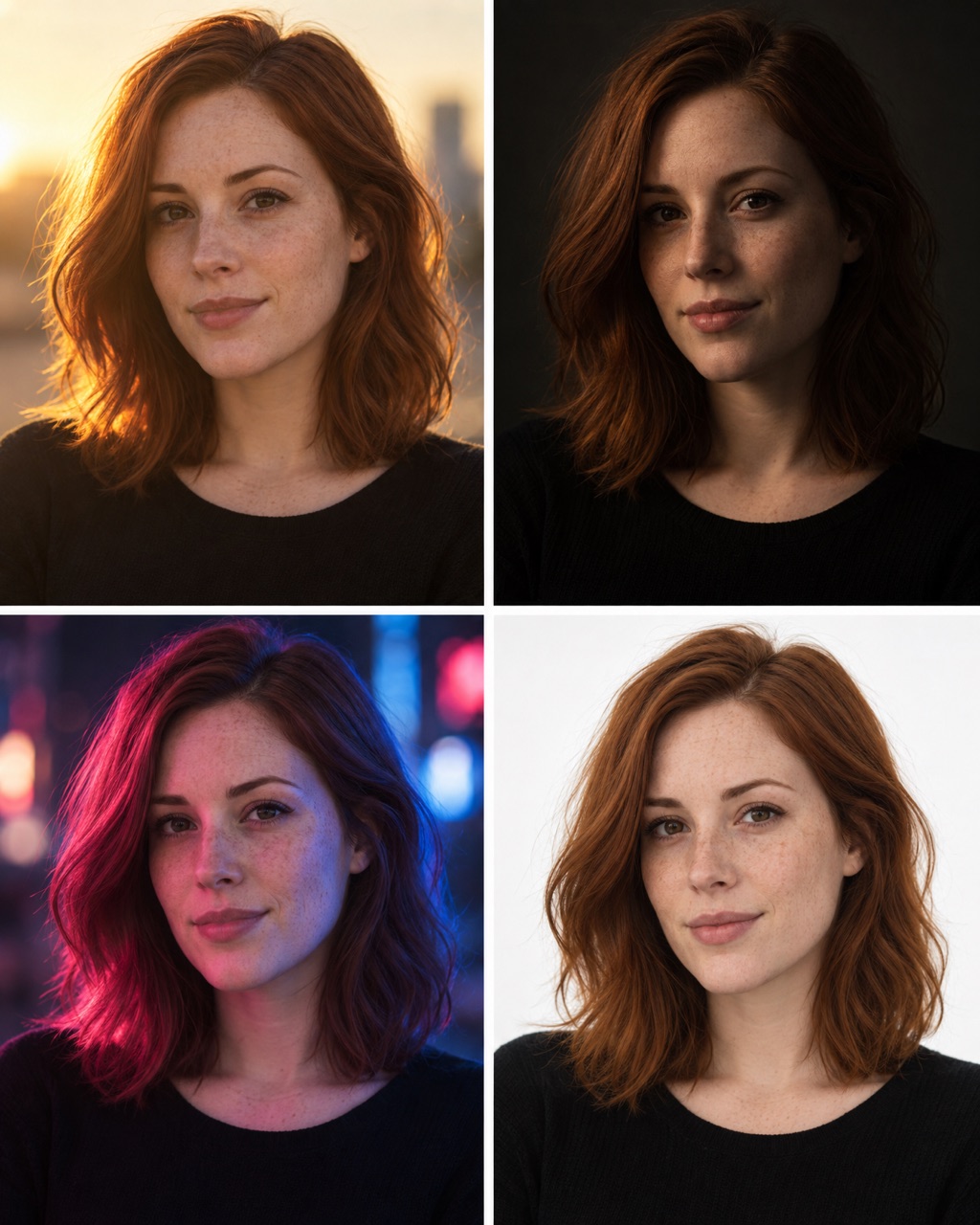
Code #10A moody, film-like scene behind you.
Keep the person from the uploaded photo exactly the same: face, skin, eyes and body shape. Same pose and outfit. Replace the background with a moody cinematic city at dusk, neon signs, film colour grade.
How to make your own code
A code is a picture squeezed into one word. Name things you can see, not feelings.
| Part | Examples |
|---|---|
| Where | city, café, beach, studio |
| How big or close | giant, tiny, close-up, full body |
| What happens | splash, walking, laughing, frozen |
| How it is shot | low angle, flash, golden hour, black background |
Put two or three of these together into one word. Then test your code in a new chat, three times, with a different photo each time. Keep it only if all three look good.
Questions
Are ChatGPT secret codes real hidden commands?
No. ChatGPT has no secret list of codes. A code like /backgroundcafe is just a short prompt with the spaces taken out. ChatGPT reads the words inside it and guesses the rest. That is why a good code is a clear picture in two to four words.
Why does my result look different from the example?
ChatGPT makes a new image every time, and it fills in the details itself. Your photo and even your chat history change the result. If the code misses, run it again, or use the longer prompt under it.
Do these codes work in other AI image tools?
Many image tools send your text straight to the image model, with no chat model in between to read the code. There, the longer prompt is the safer choice.
What photo should I upload?
One sharp, front-facing photo in good light, with the face easy to see. ChatGPT copies what it can see, so a dark or blurry photo gives you a dark or blurry face.
Can I make my own codes?
Yes. Name the picture you want: the place, the size, the light or the style. Every word in a good code describes something you can see. A word like /cool does not, so the results jump around.
Are these codes free?
Yes. Copy them, change them and use the images for your own posts.