Polaroid AI Photo Prompts: 5 Free Prompts for Gemini
Five free polaroid AI photo prompts for Nano Banana and Gemini: hug your younger self, couple, flash selfie, you and your pet, and a print in your hand.
Have it running in three steps
- 1
- 2Open ImagineArt
- 3Paste it and generate
What you'll need
5 min- ImagineArt

These are five polaroid AI photo prompts. You upload one or two photos, paste a prompt, and get a picture that looks like a real instant photo: white frame, bright flash, a little blur and faded colours.
The polaroid trend took off in Gemini in September 2025, after Google released its Nano Banana image model. People hugged their younger selves, posed with friends and family, and shared the results as polaroids.
We made every picture on this page with Nano Banana Pro Pro in ImagineArt+200 free credits. Nano Banana is the same model that runs inside Gemini, so the prompts work there too.
The whole process
- Pick a prompt and get the photos it needs: one photo of you, plus a second photo if the prompt uses Image 2.
- Upload your photo first. It becomes Image 1.
- Paste the prompt and change the clothes to the ones in your photos.
- Set 3:4 and generate. If a face looks off, run it again before you change the prompt.
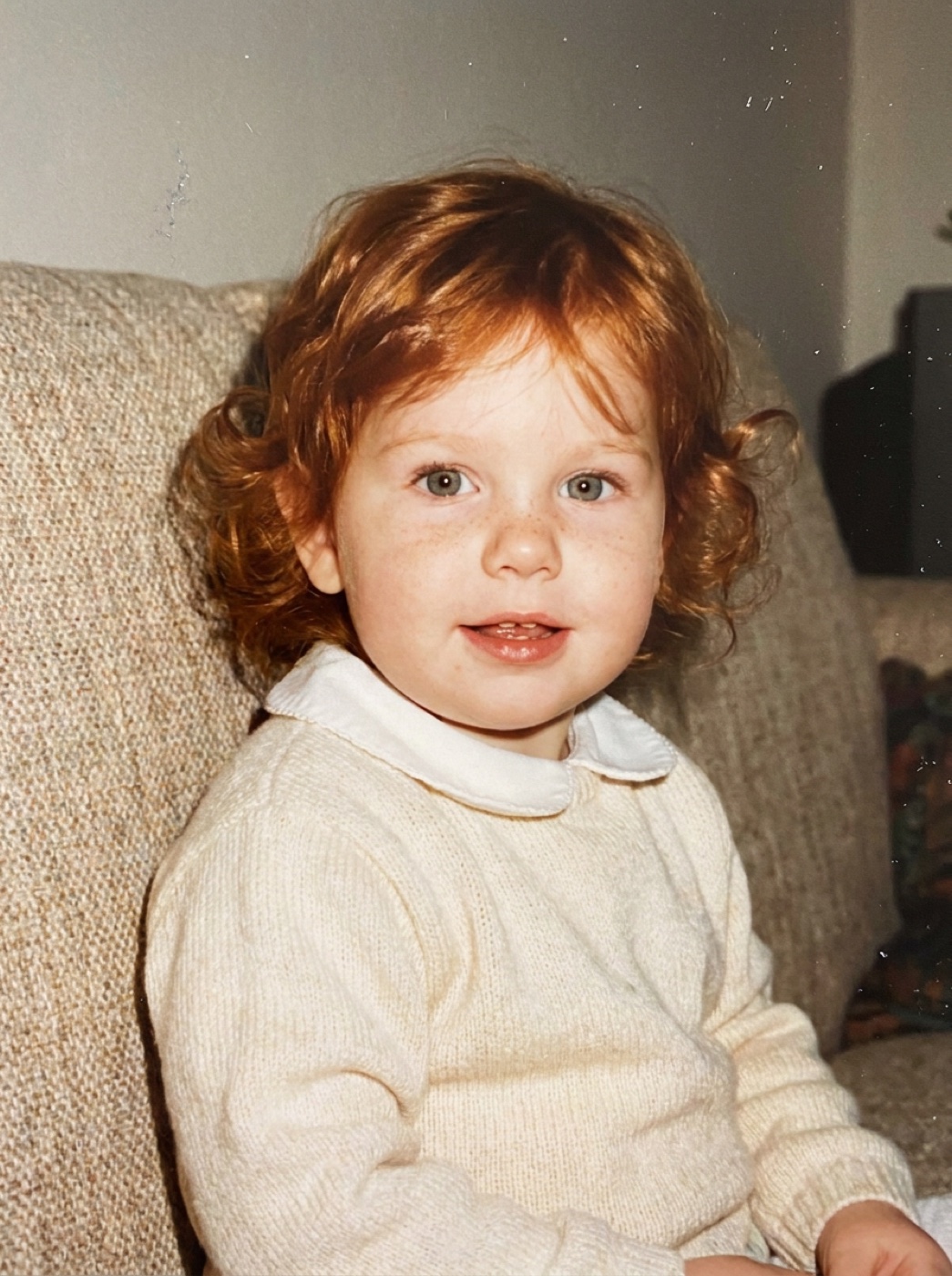
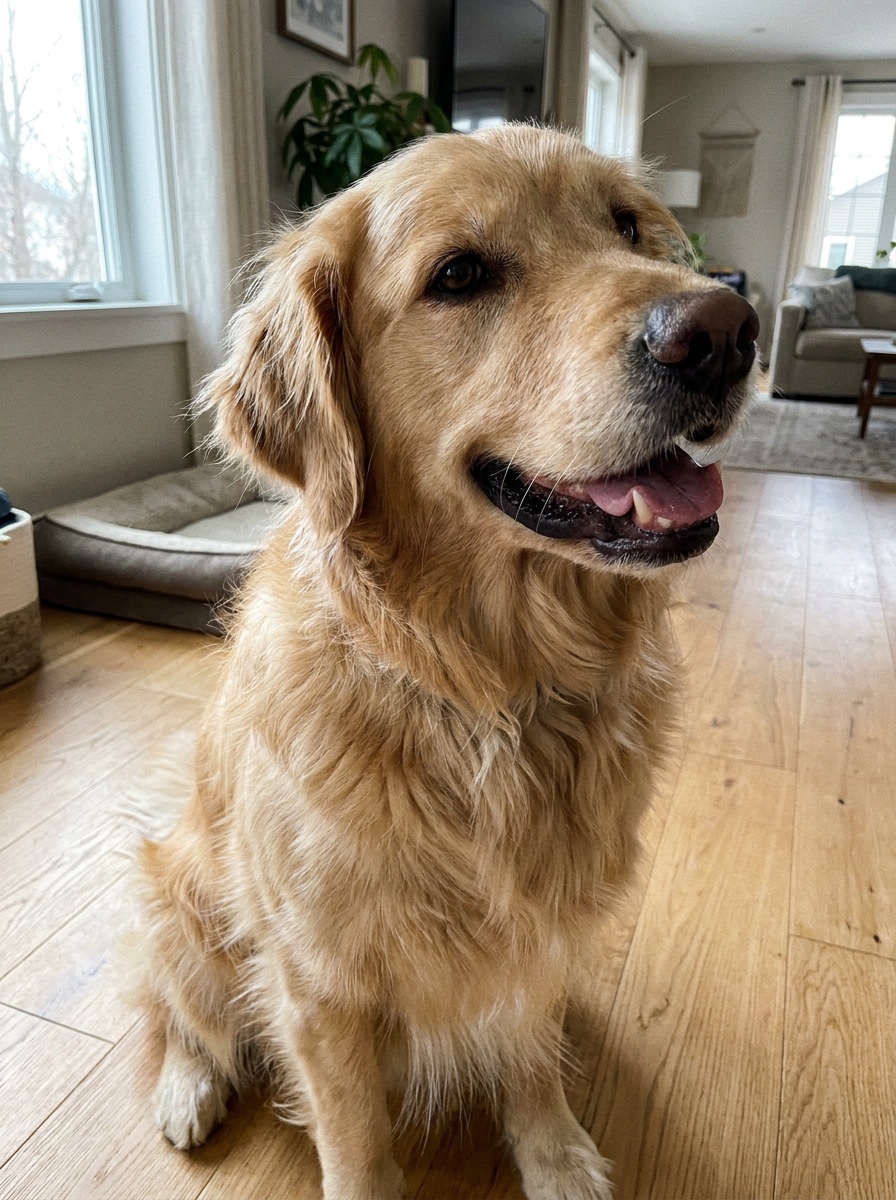
These are the photos we uploaded. The first one is in every prompt.


1. Hug your younger self
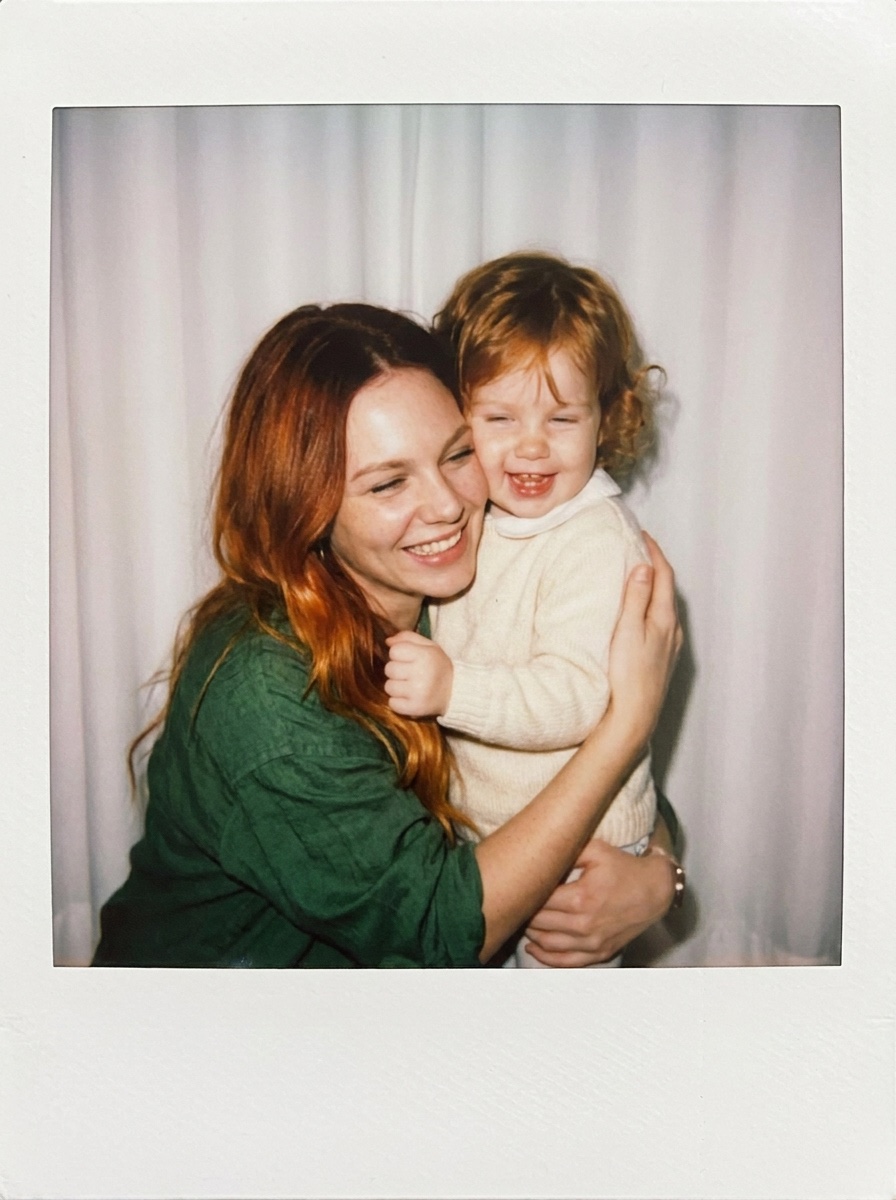
This is the polaroid most people search for. Image 1 is you today. Image 2 is a photo of you as a small child. A real one from a family album works best.
A real Polaroid instant photo, shown flat and straight: a square picture inside the white Polaroid frame with the thicker bottom border. Shot with the camera’s built-in flash: bright direct flash on the faces, slight motion blur, soft focus at the edges, gentle film grain, slightly faded warm colours. Background: a plain white curtain lit by the flash.
In the picture, the adult woman from Image 1 hugs the little girl from Image 2, who is the same woman at about two years old. The woman kneels so their heads are level, wraps both arms around the girl and presses her cheek to the girl’s head. Both laugh with their eyes half closed. The girl holds a fistful of the woman’s shirt.
Keep both faces and hair exactly like the references. The woman wears the green shirt and white top from Image 1. The girl wears the cream knitted sweater with the white collar from Image 2. Photoreal, real skin texture. No text on the frame, no logos.
For a video of the same moment, see Hug Your Younger Self.
2. Couple polaroid
Image 1 is you, Image 2 is your partner. Ask them first before you use their photo.
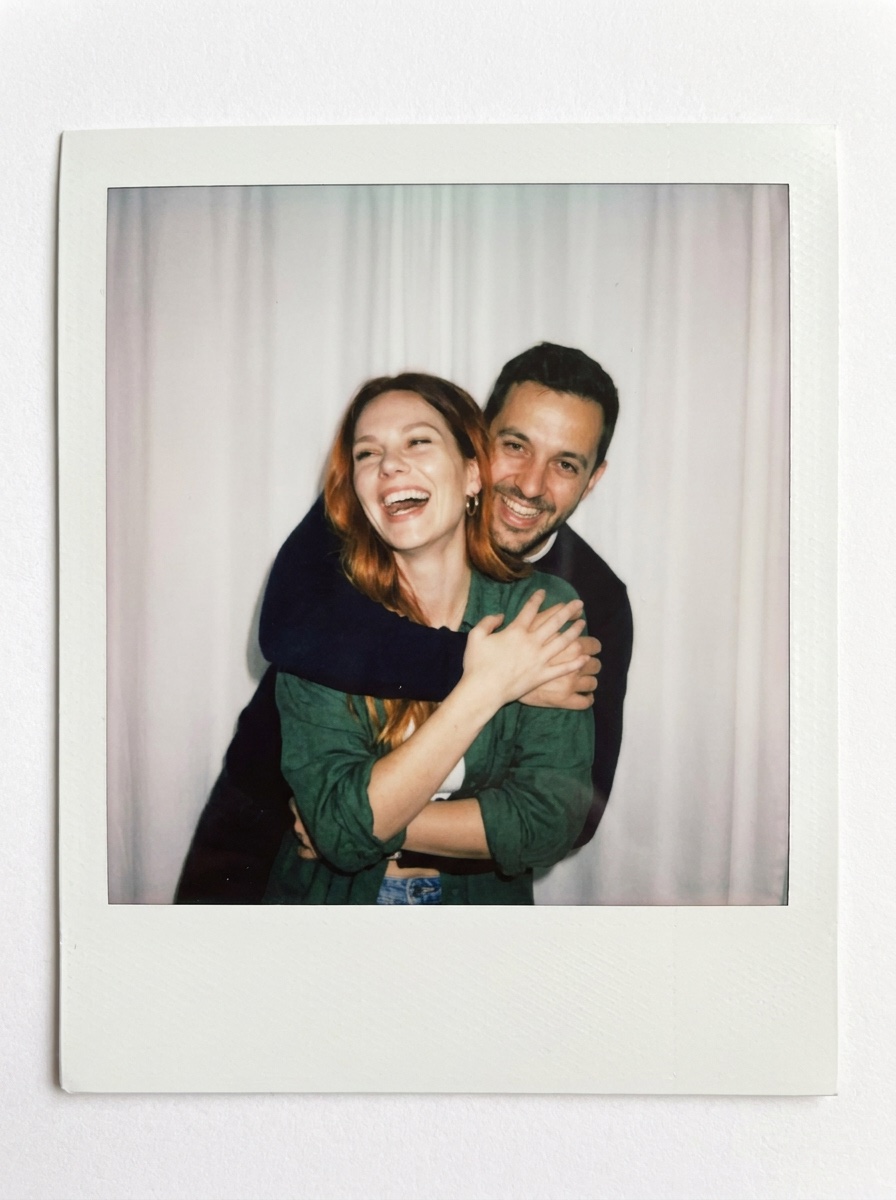
A real Polaroid instant photo, shown flat and straight: a square picture inside the white Polaroid frame with the thicker bottom border. Shot with the camera’s built-in flash: bright direct flash on the faces, slight motion blur, soft focus at the edges, gentle film grain, slightly faded warm colours. Background: a plain white curtain lit by the flash.
In the picture, the woman from Image 1 and the man from Image 2 are a couple. He hugs her from behind and lifts her a little off the floor. She laughs with her head thrown back and her hands on his arms. He grins with his chin on her shoulder.
Keep both faces and hair exactly like the references. She wears the green shirt and white top from Image 1. He wears the navy sweater from Image 2. Photoreal, real skin texture. No text on the frame, no logos.
3. Flash selfie at night
You only need one photo. The night background and the string lights make the flash look stronger.
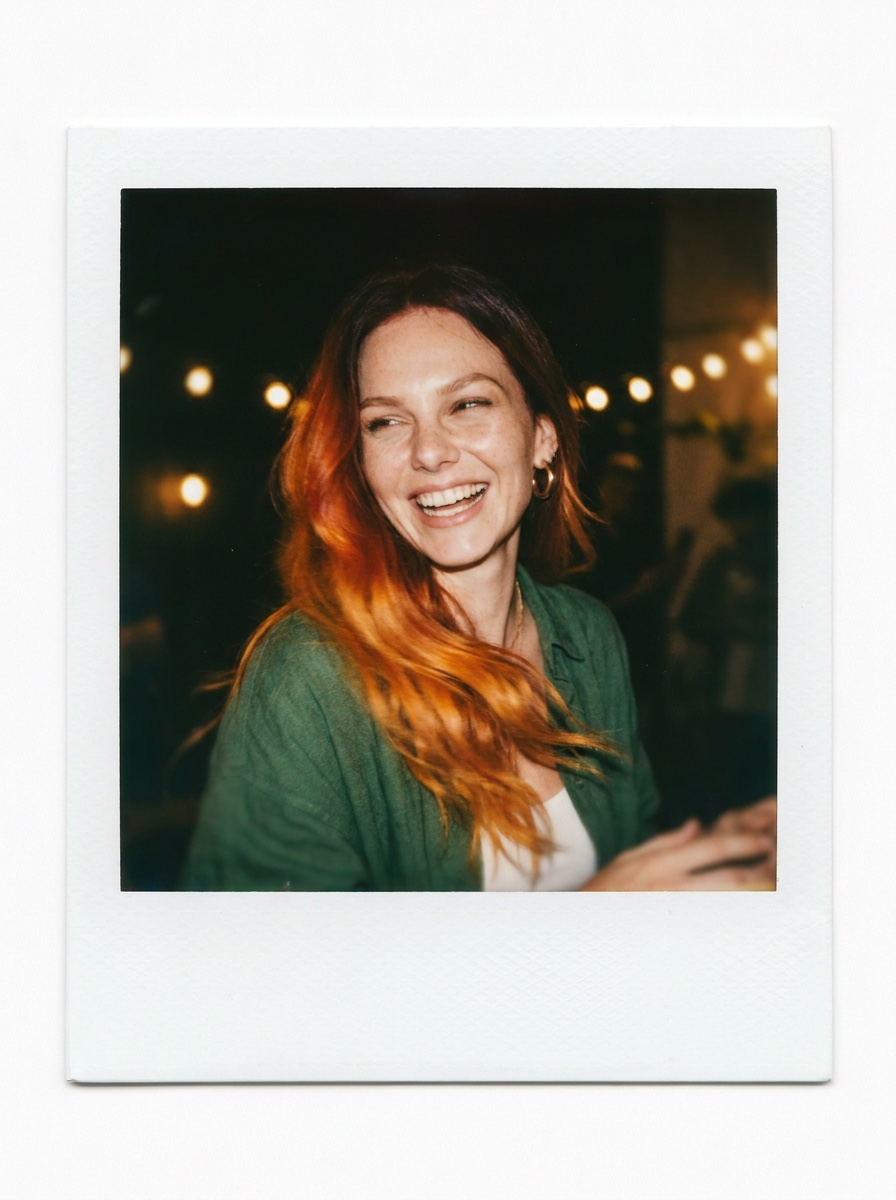
A real Polaroid instant photo, shown flat and straight: a square picture inside the white Polaroid frame with the thicker bottom border. Shot with the camera’s built-in flash at night: bright direct flash on the face, dark background, slight motion blur, soft focus at the edges, gentle film grain, slightly faded warm colours.
In the picture, the woman from Image 1 takes a selfie with the Polaroid camera held at arm’s length, slightly above her. She is mid-laugh, turning her head, and her hair swings across one shoulder. Warm string lights hang blurred behind her at a small house party.
Keep her face and hair exactly like Image 1. She wears the green shirt and white top from Image 1. Photoreal, real skin texture. No text on the frame, no logos.
4. You and your pet
Image 1 is you, Image 2 is your pet. For a cat, change “dog” to “cat” and “licks her cheek” to “rubs its head against her cheek”.
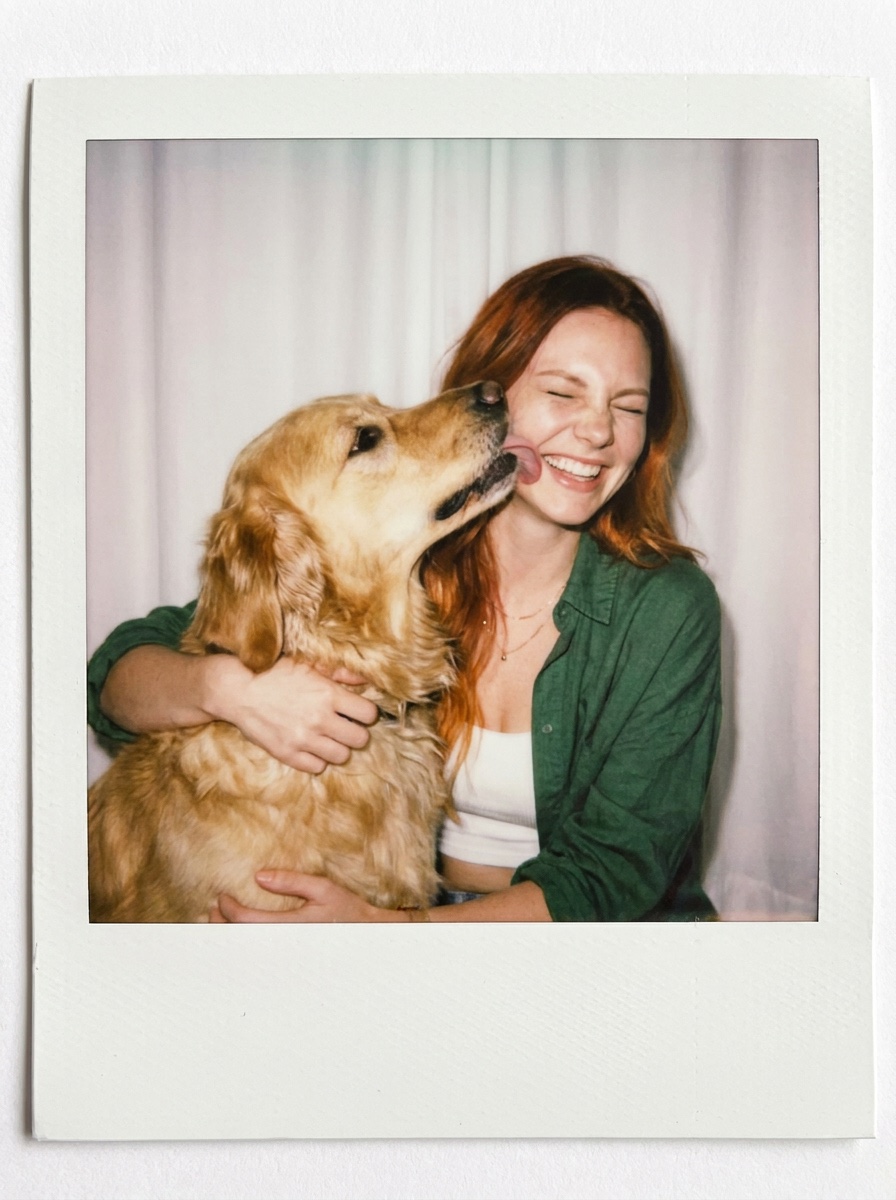
A real Polaroid instant photo, shown flat and straight: a square picture inside the white Polaroid frame with the thicker bottom border. Shot with the camera’s built-in flash: bright direct flash, slight motion blur, soft focus at the edges, gentle film grain, slightly faded warm colours. Background: a plain white curtain lit by the flash.
In the picture, the woman from Image 1 sits on the floor with the dog from Image 2. The dog jumps up and licks her cheek. She laughs with her eyes squeezed shut and both arms around the dog’s neck.
Keep her face and hair exactly like Image 1, and keep the dog’s breed, fur colour and face exactly like Image 2. She wears the green shirt and white top from Image 1. Photoreal, real skin texture and fur. No text on the frame, no logos.
5. The polaroid in your hand
This one shows the print itself, held over a café table. It looks good as the first slide of a carousel.
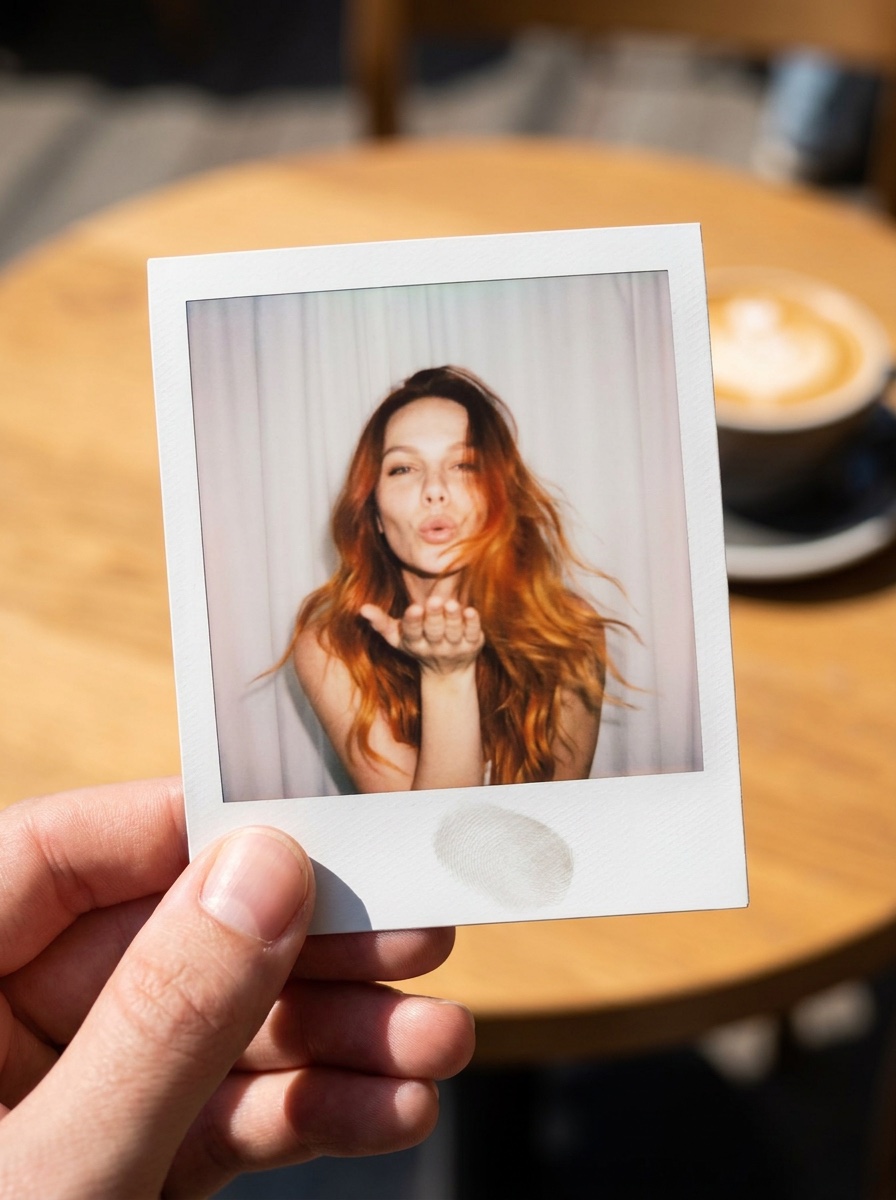
A close-up phone photo of a hand holding a Polaroid instant print between two fingers, above a sunny café table with a coffee cup, out of focus. The print fills most of the frame and shows the woman from Image 1: a flash portrait of her blowing a kiss to the camera, hair moving, in front of a plain white curtain, with slight blur and faded warm film colours. The white Polaroid frame with its thicker bottom border is clearly visible, with a soft thumbprint shadow on it.
Keep her face and hair exactly like Image 1. She wears the green shirt and white top from Image 1. Natural daylight on the hand and the print, shallow depth of field. Photoreal. No text on the frame, no logos.
Where it goes wrong
| What you got | The fix |
|---|---|
| It looks like a normal photo, not a polaroid | Keep the first block of the prompt as it is |
| The frame is missing or crops the picture | Keep “shown flat and straight” and “the thicker bottom border” |
| The face does not look like you | Use a clear, front-facing photo as Image 1 and run it again |
| The clothes are wrong | Write the clothes from your own photo in the last part of the prompt |
| Text or a logo appears on the frame | Keep “No text on the frame, no logos” |
| Everyone stands stiffly | Describe one action, like a hug, a lift or a laugh |
Questions people ask
Which model makes this? Nano Banana Pro. We used it in ImagineArt. The same model is in Gemini.
Can I put myself in it? Yes. Your photo is always Image 1.
Do the prompts work in Gemini? Yes. Upload your photos in the Gemini app and paste the prompt.
Is it free? The prompts are free. ImagineArt lets you sign up for free, and images cost credits.
Can I make a polaroid with a celebrity? Use only photos of people who agreed to it. A photo of yourself, your partner, a friend or your pet is the safe choice.
Ready? Open ImagineArt+200 free credits, upload your photo and paste a prompt.
Why this workflow runs here
Everything in one place
Free to start
Minutes, not days
Make yours in the next 5 min
You have the whole prompt and every setting. The only thing left is an account, and that takes a minute.
- 200 free credits on sign-up
- Prompts ready to paste
- Upgrade only if you want more
Referral link — if you subscribe I earn a commission, at no extra cost to you. More on that.
Related prompts
 Effect Free
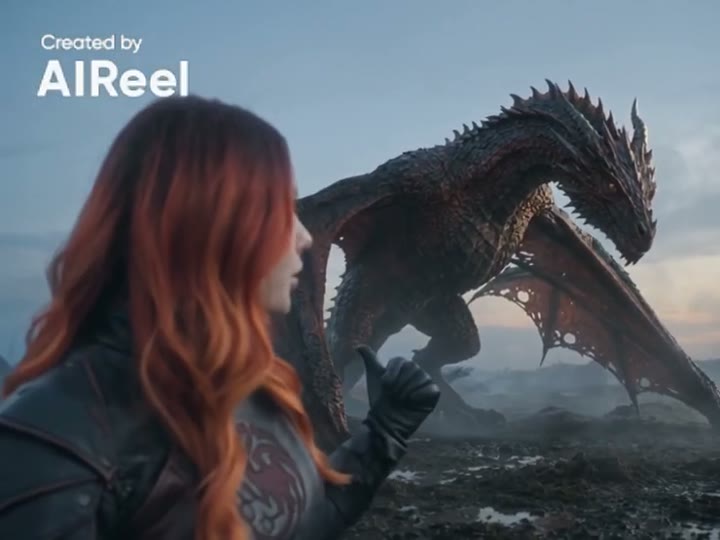
 24 GTR AI Prompt: Swap the Car for Your Dragon
A 24 GTR AI prompt for the AIReel effect. You flash the UNO cards, the scene cuts to a stone mountain, and a dragon stands behind you instead of a car.
 Effect Free
 Fan Blade Outfit Change: The Top-Down AI Prompt
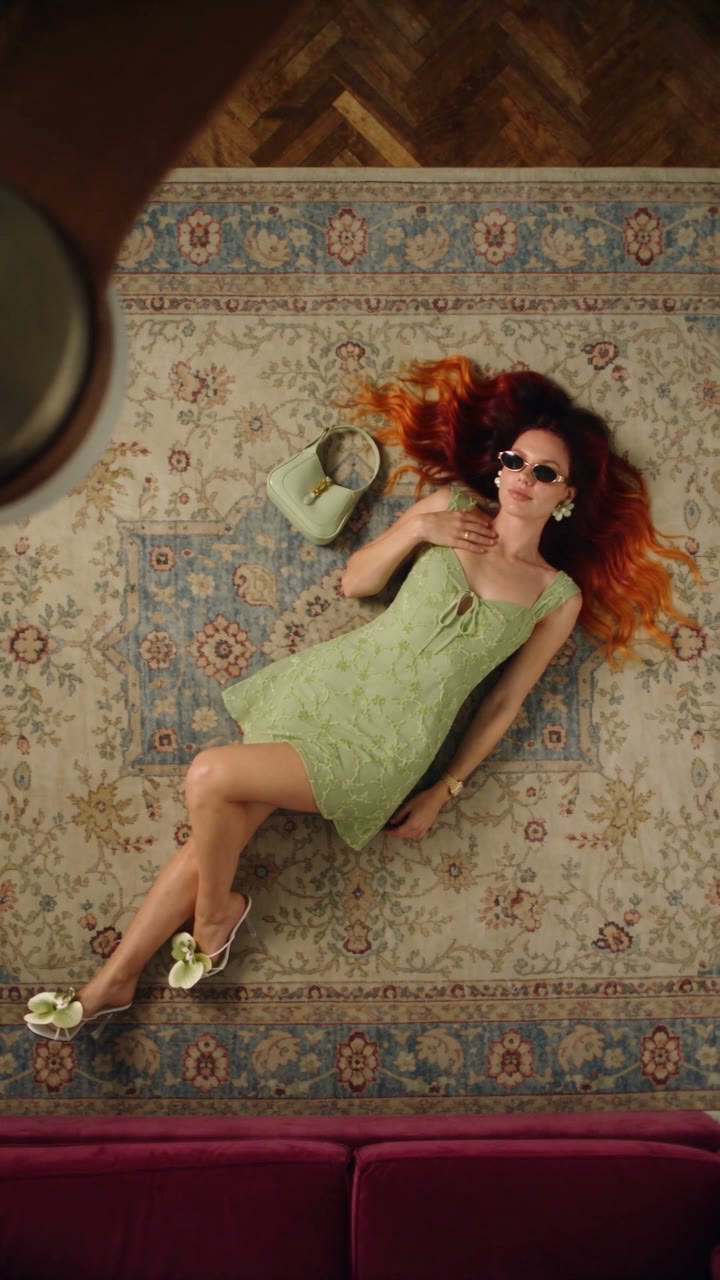
A free Seedance 2.5 prompt. She lies on a rug, a slow ceiling fan blade sweeps over her, and her outfit is new. Five looks, 20 seconds, five reference images.
 Effect Free
 Fit Check Hit by a Car: The AI Video Prompt
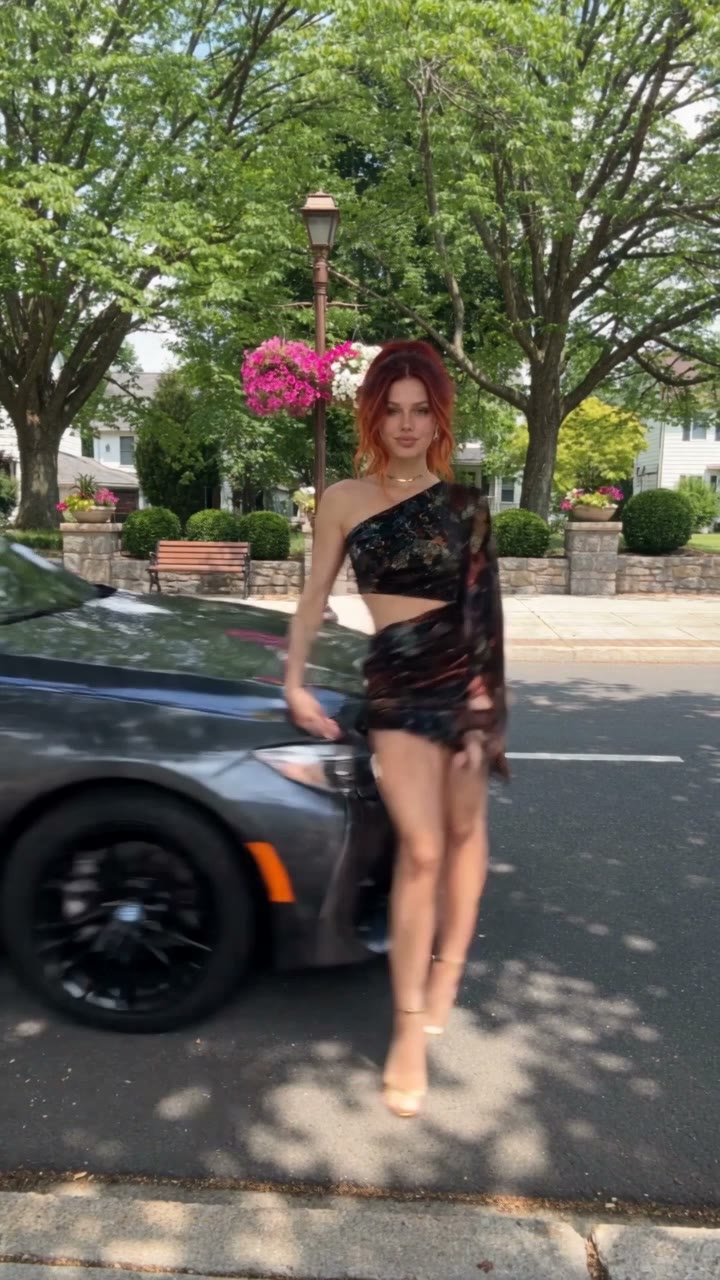
A free Seedance 2.5 prompt. She films a street fit check on her phone, shows the outfit from every side, and a car takes her out of frame. 12 seconds, one reference image.