AI Hug Video Prompt: Hug Your Younger Self
A free AI hug video prompt for Seedance 2.5. Turn a photo of you and an old childhood photo into a real-looking video of you hugging little you.
Have it running in three steps
- 1
- 2Open ImagineArt
- 3Paste it and generate
What you'll need
15 min- ImagineArt

This AI hug video prompt turns two photos into one short, real-looking video. One photo is you today. The other is you as a small child. In the video, little you walks across the living room into your arms, and you hold her tight.
It is 10 seconds long. There is no talking and no music, only small steps, a soft giggle and a breath. It looks like a video someone filmed on a phone at home.
If you want a longer version with a conversation, see Meet Your Younger Self.
The whole process
- Pick one clear photo of you today and one photo of you as a small child.
- No childhood photo? Make one with the Nano Banana Pro prompt in step 1.
- Open ImagineArt, go to video and pick Seedance 2.5.
- Add your photo first and the childhood photo second.
- Set 10 seconds and 9:16, paste the video prompt and press Generate.
What happens in 10 seconds
This is what happened in our video.
| Time | What happens |
|---|---|
| 0–2s | You kneel on the rug with your arms open. Little you walks toward you with small, unsure steps |
| 2–3s | She reaches you with her arms up |
| 3–5s | She falls into your arms. You pull her close and close your eyes |
| 5–8s | A tight hug. Her cheek is on your shoulder, your eyes are wet |
| 8–10s | One tear runs down your cheek. You smile and hold her still |
Get your two photos
The first photo is you today. Use a clear photo where your face and hair are easy to see. Your clothes in this photo will be your clothes in the video.

The second photo is you as a small child. A real one from a family album works best. Scan it or take a photo of it with your phone.
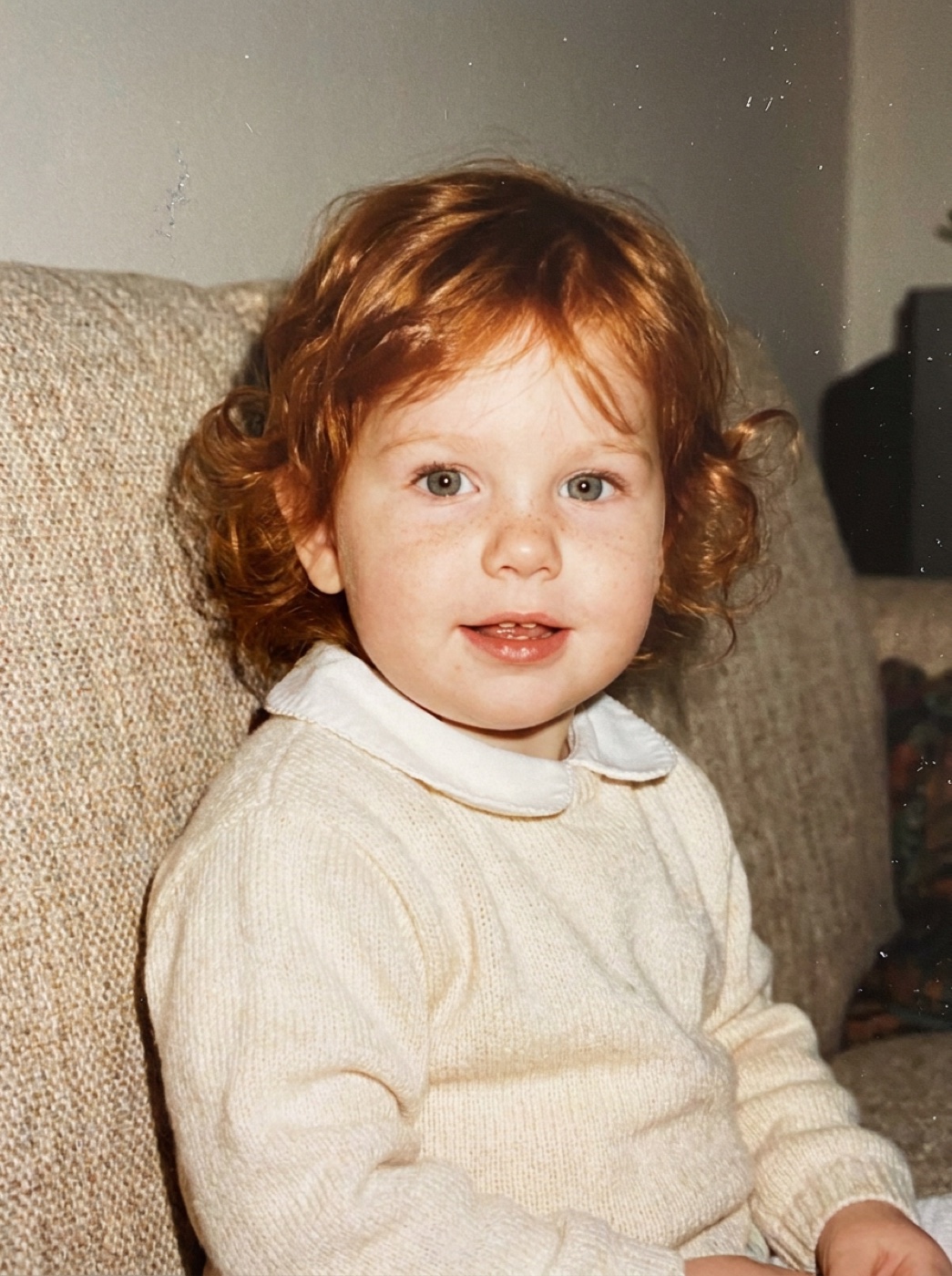
We did not have one, so we made it with Nano Banana Pro Pro in ImagineArt. Add your photo of today as the only reference, set 3:4 and use this prompt.
A real family snapshot from the 1990s, printed on photo paper and scanned. A girl of about two years old who is clearly the woman in the reference image as a toddler: same eye shape, same light green-grey eyes, same freckles across the nose, red-copper wavy hair, round chubby cheeks. She sits on a beige sofa at home and looks straight at the camera with a curious, half-open-mouth smile. She wears a soft cream knitted sweater with a white collar. Small on-camera flash, slightly faded warm colours, mild film grain, soft focus, a few dust specks. An ordinary home photo, not a studio portrait. No text, no border.
Before you use it, change the eye colour and the hair to yours.
Make the hug video
Open ImagineArt+200 free credits, go to video and pick Seedance 2.5. Add your photo of today first and the childhood photo second. Set the length to 10 seconds and the shape to 9:16.
The prompt describes our photos. Change these words to match yours before you paste it: “long red-copper wavy hair”, “green button-up shirt”, “white top” and “cream sweater”. In the line that starts with “Do not use”, list what is in the background of your photo of today.
[LOOK — LOCKED, APPLIES TO EVERY SHOT] Looks like a real smartphone video filmed at home: natural daylight from a window, true-to-life skin texture with pores and fine hairs, no beauty filter, realistic colours, mild sensor noise, natural depth of field, slight handheld movement. No cinematic colour grade.
[References] The woman corresponds to @Image1. Use only her face, her long red-copper wavy hair, her green button-up shirt and her white top. Do not use the dark room, the hanging lamp, the laptop or the rug. The little girl corresponds to @Image2. She is the same woman at about two years old. Use only her face, hair and cream sweater. Do not use the faded photo colours, the film grain, the flash look or the sofa. In the video she looks like a real child filmed today, in full natural colour. Only these two people appear.
[Scene] A cosy living room in soft daylight: a beige sofa, a light rug, a few green plants.
[Stage 1] 0-3 seconds Initial state: the woman kneels on the rug at the child’s height with her arms open. The little girl stands two steps away on the right. Primary event: the girl toddles toward her with small, unsteady steps, smiling. End state: the girl reaches the woman with her arms up.
[Stage 2] 3-7 seconds Continue from the previous stage: same room, same clothes, the woman still kneeling. Primary event: the girl falls into her arms. The woman wraps both arms around her and pulls her close. The girl’s small arms go around her neck and her cheek rests on the woman’s shoulder. The woman closes her eyes, breathes out slowly, presses her lips together, and her eyes turn glossy. End state: a tight hug. The woman’s face is toward the camera, the girl’s back is to the camera.
[Stage 3] 7-10 seconds Continue from the previous stage: the tight hug, nothing else changes. Primary event: the woman gently rocks side to side and smiles with her eyes closed. One tear runs down her cheek. Her hand strokes the girl’s hair. End state: they hold the hug, still and calm.
[Camera] Eye-level medium shot at kneeling height. One slow push in, ending on a medium close-up of the woman’s face over the girl’s shoulder.
[Audio] <Quiet room tone> <Small footsteps on the rug> <A soft giggle from the girl> <Fabric rustling> <A shaky breath from the woman> No music. No dialogue.
[Maintain Consistency] Exactly two people. The girl stays about two years old the whole time and does not age or change. The woman’s face, hair and outfit stay the same.
Why this prompt works
The LOOK block asks for window light, real skin, a little hand shake and no colour grade. Home videos filmed on a phone look like this, so the hug feels real too.
The prompt says what to take from each photo and what to leave out. Without the “Do not use” lines, the model can bring the dark room or the old sofa into the new scene.
Each stage ends in a clear picture. “The girl reaches the woman with her arms up.” “A tight hug.” The model knows where every part must end, so it does not wander off.
The feelings are written as things a camera can see: closed eyes, a slow breath, pressed lips and one tear. A word like “moved” gives the model nothing to show.
The girl does not grow up. In some hug videos online, the child slowly turns older during the hug. The line “does not age or change” is there to stop that.
Where it goes wrong
| What you got | The fix |
|---|---|
| Your hair colour changes during the hug | This happened to us a little. Write your hair colour once more in the last line: “The woman’s red-copper hair stays the same” |
| The whole video looks old and grainy | Keep “Do not use the faded photo colours, the film grain, the flash look” |
| The child gets older in the video | Keep “does not age or change” |
| It looks like a movie, not a home video | Keep the LOOK block and “No cinematic colour grade” |
| Your old background shows up | List everything in your photo’s background after “Do not use” |
| A third person appears | Keep “Only these two people appear” and “Exactly two people” |
| The girl walks in from the other side | This happened to us too. It does not matter for the video, so you can keep it |
Questions people ask
Which model makes this? Seedance 2.5 on ImagineArt makes the video. We made the childhood photo with Nano Banana Pro, but a real photo works too.
Can I put myself in it? Yes. Use a photo of you today and a photo of you as a child.
Is it vertical? Yes. Set 9:16 and it fits Reels and TikTok.
Is it free? The prompts are free. ImagineArt lets you sign up for free, and videos cost credits.
Do I need a real childhood photo? No. If you do not have one, make one with the prompt in step 1. A real photo gives a face that is truly yours.
Ready? Open ImagineArt+200 free credits, add your two photos and paste the video prompt.
Why this workflow runs here
Everything in one place
Free to start
Minutes, not days
Make yours in the next 15 min
You have the whole prompt and every setting. The only thing left is an account, and that takes a minute.
- 200 free credits on sign-up
- Prompts ready to paste
- Upgrade only if you want more
Referral link — if you subscribe I earn a commission, at no extra cost to you. More on that.
Related prompts
 Effect Free
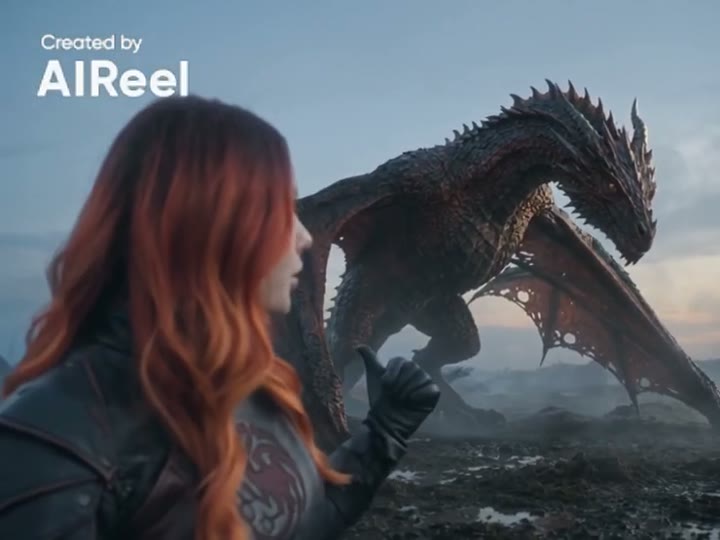
 24 GTR AI Prompt: Swap the Car for Your Dragon
A 24 GTR AI prompt for the AIReel effect. You flash the UNO cards, the scene cuts to a stone mountain, and a dragon stands behind you instead of a car.
 Effect Free
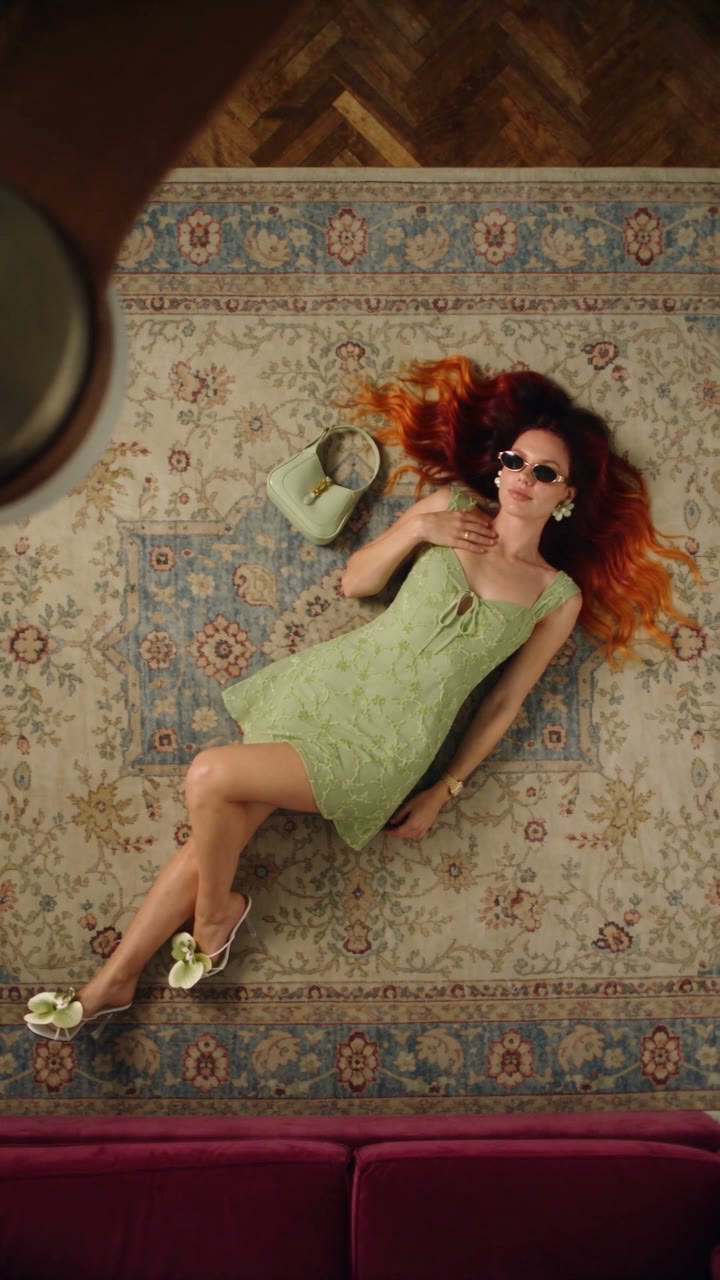
 Fan Blade Outfit Change: The Top-Down AI Prompt
A free Seedance 2.5 prompt. She lies on a rug, a slow ceiling fan blade sweeps over her, and her outfit is new. Five looks, 20 seconds, five reference images.
 Effect Free
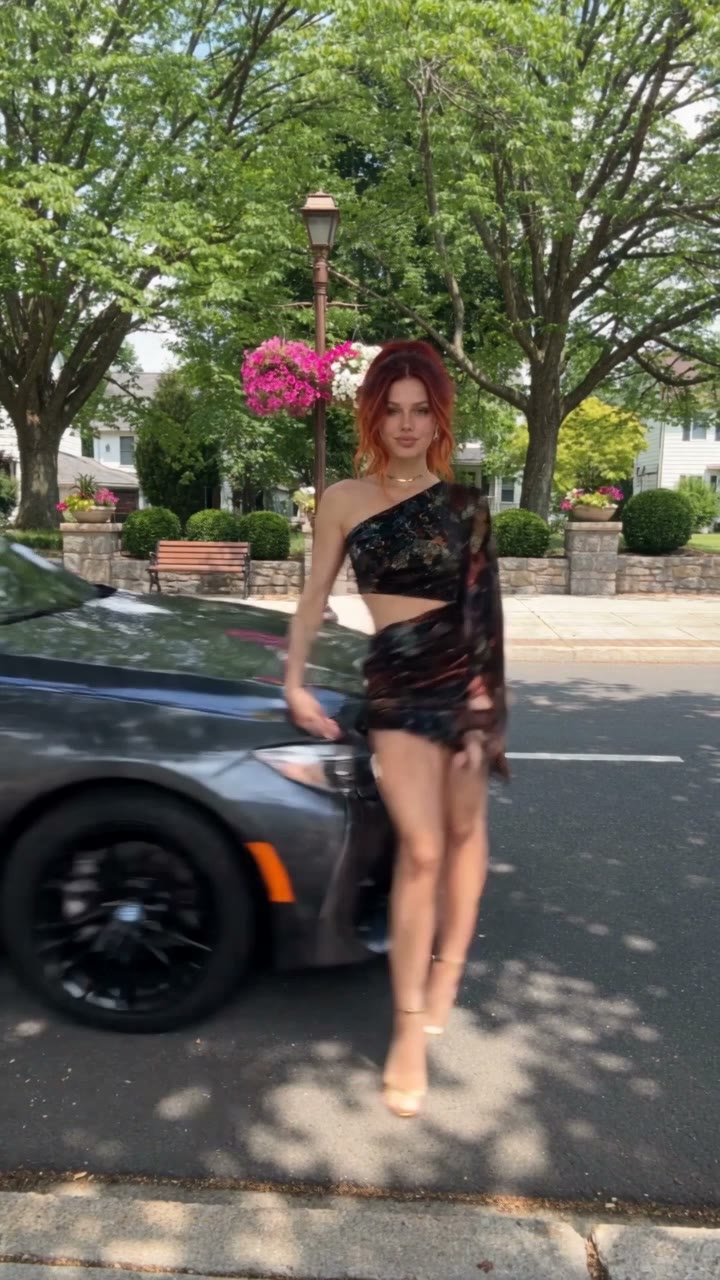
 Fit Check Hit by a Car: The AI Video Prompt
A free Seedance 2.5 prompt. She films a street fit check on her phone, shows the outfit from every side, and a car takes her out of frame. 12 seconds, one reference image.