Fit Check Hit by a Car: The AI Video Prompt
A free Seedance 2.5 prompt. She films a street fit check on her phone, shows the outfit from every side, and a car takes her out of frame. 12 seconds, one reference image.
Have it running in three steps
- 1
- 2Open ImagineArt
- 3Paste it and generate
What you'll need
30 min- ImagineArt

A woman sets her phone on the pavement and films a fit check. She leans in, flashes a peace sign, and walks back into the road to show the outfit. Front, side, back, shoes. Then a car comes in from the left and she is gone.
The street stays empty and sunny for the last second. That quiet ending is the joke.
It works because the first ten seconds look exactly like a real fit check. One phone, no cuts, a normal street. Nobody expects the car. This page gives you both prompts: one for the character sheet, one for the video.
The whole process
- Pick two pictures: a clear photo of the person and a photo of the outfit.
- Make a character sheet from them with the first prompt below.
- Open ImagineArt, go to video and pick Seedance 2.5.
- Add the character sheet as the only reference image.
- Set 12 seconds and 9:16. Paste the video prompt and generate.
What happens in 12 seconds
| Time | What happens |
|---|---|
| 0–2s | Close to the phone. She leans in, smiles, peace sign |
| 2–5s | She walks back into the road until you see her head to shoes, hands in pockets |
| 5–8s | She turns to show the side and the back, then faces the phone again |
| 8–10s | One foot forward to show the shoes. She looks down and smiles |
| 10–11s | A dark car comes in from the left and takes her out of frame to the right |
| 11–12s | The empty street. Leaves and flower baskets move in the wind |
Make the character sheet
The car hides her for less than a second, but the other ten seconds show her from every side. The model has to know her face and the outfit from the front, the side and the back. One selfie does not give it that.
So make a character sheet first. You need two pictures:
- Image 1: the person. A clear, well-lit face photo.
- Image 2: the outfit. Any photo where the clothes, shoes and jewellery are easy to see.
Add both to an image model in ImagineArt+200 free credits that accepts two reference pictures, in that order. Set the shape to 3:2 and paste this prompt.
Create an ultra-photorealistic professional CHARACTER REFERENCE SHEET of ONE person using exactly two reference images.
REFERENCE MAPPING: Image 1 = AVATAR / IDENTITY reference. Image 2 = OUTFIT / STYLING reference.
IDENTITY — IMAGE 1: Use Image 1 as the only source for the person’s identity.
Preserve:
- exact recognizable face
- facial proportions and bone structure
- eye shape and eye color
- eyebrows
- nose
- lips
- skin tone
- natural skin texture, freckles, moles and other visible features
- age
- body proportions and overall build
- hair color
Do not beautify, redesign, stylize or replace the face. The person must look like exactly the same individual in every panel.
OUTFIT — IMAGE 2: Use Image 2 only as the source for styling.
Recreate exactly:
- clothing
- garment construction
- silhouette and fit
- fabric
- texture
- pattern
- colors
- seams
- folds
- cutouts
- draping
- shoes
- jewelry
- visible accessories
Do NOT copy the face, body proportions, skin tone or identity of any person/model shown in Image 2.
HAIRSTYLE: Use the hairstyle shown in Image 2, but preserve the original hair COLOR from Image 1. Maintain the same hairstyle and hair color consistently across every panel.
CHARACTER SHEET LAYOUT: Create one clean landscape 3:2 canvas divided into multiple studio-reference panels.
MAIN LAYOUT:
LEFT: One large close-up portrait from the front, approximately chest-up. The face should be large and highly detailed. Neutral relaxed expression, looking directly into camera.
CENTER: Three full-body views at the same scale:
- front view
- left side profile
- back view
Head to shoes fully visible. Feet aligned on the same baseline. Neutral standing pose. Arms relaxed and slightly separated from the body so the outfit silhouette remains visible.
RIGHT: Two stacked head-and-shoulders portraits:
- upper: three-quarter facial view
- lower: clean side profile
BOTTOM DETAIL STRIP: Create a row of tightly cropped reference details:
- one eye
- lips
- hair texture and color
- earring
- necklace / neck accessory
- outfit fabric texture
- important garment construction detail
- ruching / seam / cutout / closure detail
- shoe close-up
- vertical palette of 5 circular color swatches sampled from the character and outfit
Keep all detail tiles evenly aligned with thin white separators.
PHOTOGRAPHY: Ultra-photorealistic professional studio photography. 50mm lens look. Eye-level camera. Soft even frontal studio lighting. Plain seamless light-grey background. Natural realistic shadows. High micro-detail. Visible skin pores and natural skin texture. Realistic hair strands. Accurate fabric grain, stitching, seams, folds and material response. Realistic metallic jewelry and shoe materials.
CONSISTENCY: The same exact person must appear in every panel.
Keep identical across the entire sheet:
- face
- facial features
- skin
- body proportions
- hair color
- hairstyle
- outfit
- garment pattern
- jewelry
- accessories
- shoes
Do not reinterpret the outfit between views. Do not change garment length, neckline, sleeve configuration, pattern, accessories or footwear.
COMPOSITION: Clean luxury fashion-reference-sheet aesthetic. Sharp, evenly exposed, editorial-quality photography. Thin white gutters separating the panels. No decorative background elements.
STRICT NEGATIVE CONSTRAINTS: One person only. No duplicated people inside individual panels. No alternate outfits. No extra accessories. No invented garments. No face changes. No body changes. No hairstyle changes between panels. No different hair color. No text. No labels. No numbers. No arrows. No logos. No watermark. No illustration. No anime. No painting. No CGI. No 3D-render appearance.
This is the sheet we got. Big face on the left, the outfit from three sides in the middle, and small tiles for the eye, the lips, the earring, the fabric and the shoes.
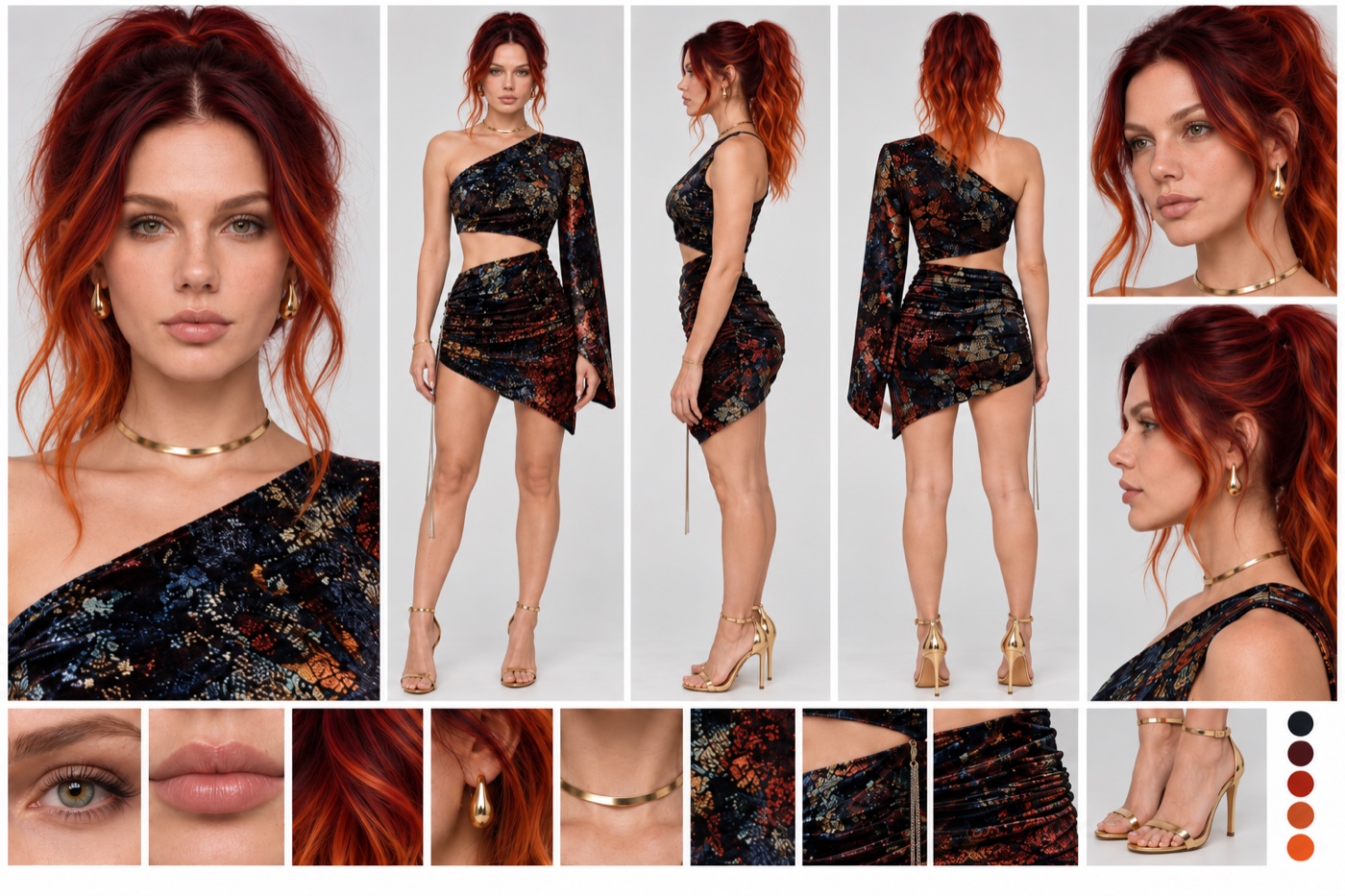
Check the shoes before you move on. She shows them to the camera at eight seconds. If the shoe tile is blurry or missing, the model guesses.
Set it up and generate
Open ImagineArt+200 free credits, go to video and pick Seedance 2.5.
Add the character sheet as the only reference. Set the length to 12 seconds and the shape to 9:16. Paste the prompt below as it is.
You do not need to rewrite anything for your own person. The prompt never describes her face or clothes in words. It only says “@Image1 defines the woman”, so the sheet does all of that.
[LOOK — LOCKED]
Smartphone footage, main 24mm-equivalent lens: deep focus, everything sharp from her to the far side of the street, slight wide-angle stretch at frame edges. Bright sunny midday: hard dappled leaf shadows on the asphalt and on her outfit, warm sunlit highlights, true-to-life colour, no grade, fine sensor noise in shadows, real skin texture, no beauty filter. Phone locked on a tripod at chest height on the pavement: no camera movement, no zoom, no cuts for the whole video.
@Image1 defines the woman’s face, hair, body and full outfit including shoes, from every angle. Use only her appearance and clothing. Do not use the grey background, layout, lighting or multiple poses of the sheet. Only one woman appears.
[Generation Goal]
A realistic, unscripted street fit check filmed on a phone, ending with a sudden car impact. One continuous shot.
Scene: a quiet two-lane avenue with dashed white centre lines. The phone stands on the pavement at the kerb, facing straight across the road. The road runs left to right across the frame. The far pavement is light stone paving lined with tall leafy trees whose canopy arches over the street, dark bronze lamp posts with hanging baskets of pink, magenta and white petunias, low stone planters with trimmed shrubs and flowers, and a wooden bench. Low white apartment buildings are partly hidden behind the trees. The road is empty.
[Stage 1, 0-2 seconds]
Initial state: she stands on the pavement close to the phone, face and shoulders fill the frame.
Primary event: she leans in, smiles and flashes a quick peace sign.
End state: she begins stepping back.
[Stage 2, 2-5 seconds]
Continue from the previous stage: same woman, same outfit.
Primary event: she steps back off the kerb onto the road and keeps backing up until visible head to shoes, then straightens her jacket, slips her hands into her pockets and shifts her weight between relaxed poses.
End state: full body, centre frame, standing in the traffic lane, hands in pockets.
[Stage 3, 5-8 seconds]
Primary event: she turns sideways to show the fit, briefly shows her back, then faces the camera again.
End state: facing the camera, centre frame, still in the traffic lane.
[Stage 4, 8-10 seconds]
Primary event: she places one foot forward to show her shoes and glances down at them with a small smile.
End state: standing still, one foot forward, unaware of the road.
[Stage 5, 10-12 seconds]
At 10 seconds, a dark sedan enters from frame left at ordinary city speed without braking and hits her side-on at hip height. The impact throws her sideways with real body weight, and she leaves the frame to the right within a fraction of a second. The car keeps driving straight and exits frame right.
End state: from about 11 seconds, the same framing holds on the empty sunny street, only leaves and flower baskets moving slightly in the breeze, until the end.
Audio: <street ambience, birdsong, leaves rustling, her shoes on paving then asphalt, fabric rustle> <engine rising from the left, one dull heavy thud on impact, engine fading to the right>. No music, no dialogue, no scream.
[Maintain Consistency]
One woman only, same face and outfit throughout. Road direction left to right. Camera fixed on the pavement.
No blood, no visible injury, no slow motion, no camera shake, no cuts, no fade, no text or subtitles, no other people, no parked cars in the lane.
Why this prompt works
It looks like a phone, on purpose. A 24mm lens, deep focus, no colour grade, a little noise in the shadows, no beauty filter. Real fit checks look like this, so the first ten seconds pass as real.
The road is named as a direction. “The road runs left to right” and the car “enters from frame left”. Without that, the car can come from behind her or drive at the camera, and the moment reads as fake.
The car has a speed and a height. Ordinary city speed, no braking, side-on at hip height. The model gets a clear picture instead of “a car hits her”.
The end is an empty street. She leaves the frame in a fraction of a second, and the last second is only trees and flowers moving. That short quiet is where people laugh.
The sound does half the work. Birds, her heels on the road, an engine rising from the left, one dull thud. And a line that says no scream. The thud alone is funnier.
Nothing graphic. No blood, no injury, no slow motion. It stays a joke, and it stays a video platforms will let you post.
Where it goes wrong
| What you got | The fix |
|---|---|
| The camera pans to follow her or the car | Keep “phone locked on a tripod” and “no camera movement” in the LOOK block |
| The video cuts to a new angle at the impact | Keep “one continuous shot” and “no cuts” |
| The car comes from behind her or at the camera | Keep “the road runs left to right” and “enters from frame left” |
| The car stops or brakes | Keep “without braking” and “keeps driving straight and exits frame right” |
| She lies on the road at the end | Keep “she leaves the frame to the right” and the empty street end state |
| A grey studio background shows up | Keep the line that says not to use the grey background of the sheet |
| Two women appear | Keep “Only one woman appears” and “no other people” |
| Her outfit changes when she turns | Make a cleaner sheet with a sharp back view |
| Parked cars block the lane | Keep “no parked cars in the lane” |
Ready? Open ImagineArt+200 free credits, add your character sheet and paste the prompt.
Why this workflow runs here
Everything in one place
Free to start
Minutes, not days
Make yours in the next 30 min
You have the whole prompt and every setting. The only thing left is an account, and that takes a minute.
- 200 free credits on sign-up
- Prompts ready to paste
- Upgrade only if you want more
Referral link — if you subscribe I earn a commission, at no extra cost to you. More on that.
Related prompts
 Effect Free
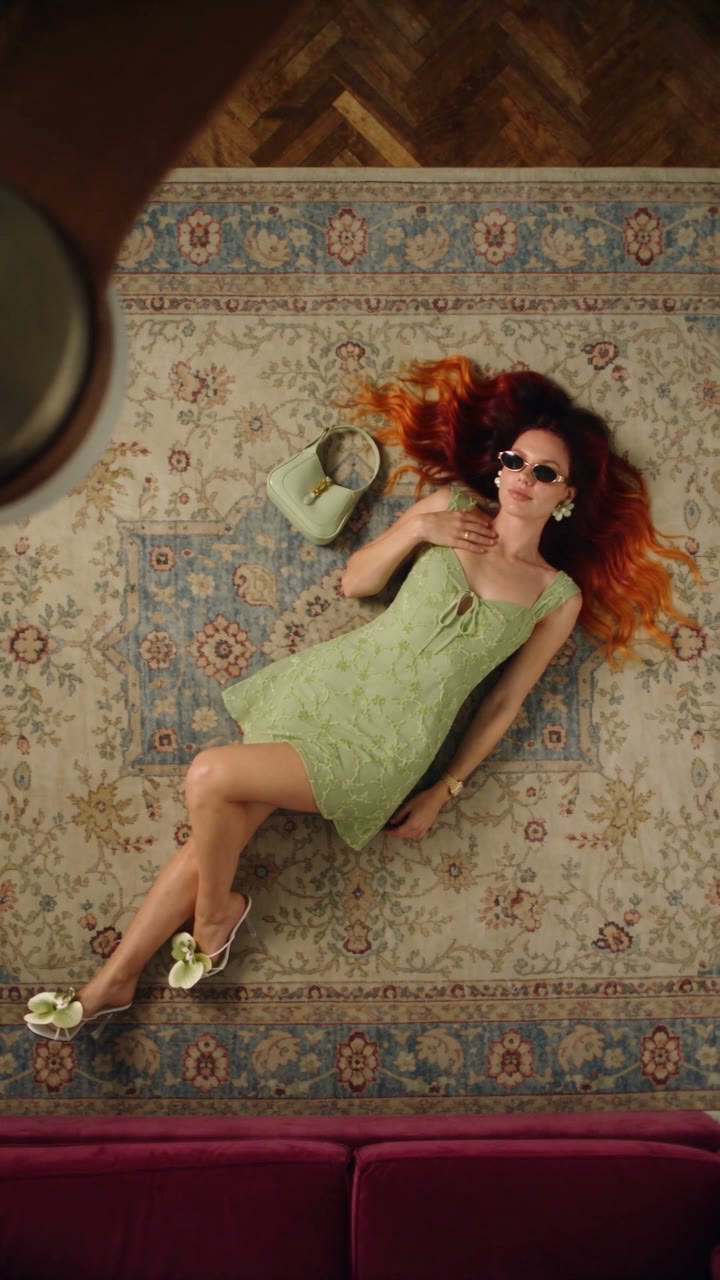
 Fan Blade Outfit Change: The Top-Down AI Prompt
A free Seedance 2.5 prompt. She lies on a rug, a slow ceiling fan blade sweeps over her, and her outfit is new. Five looks, 20 seconds, five reference images.
 Effect Free
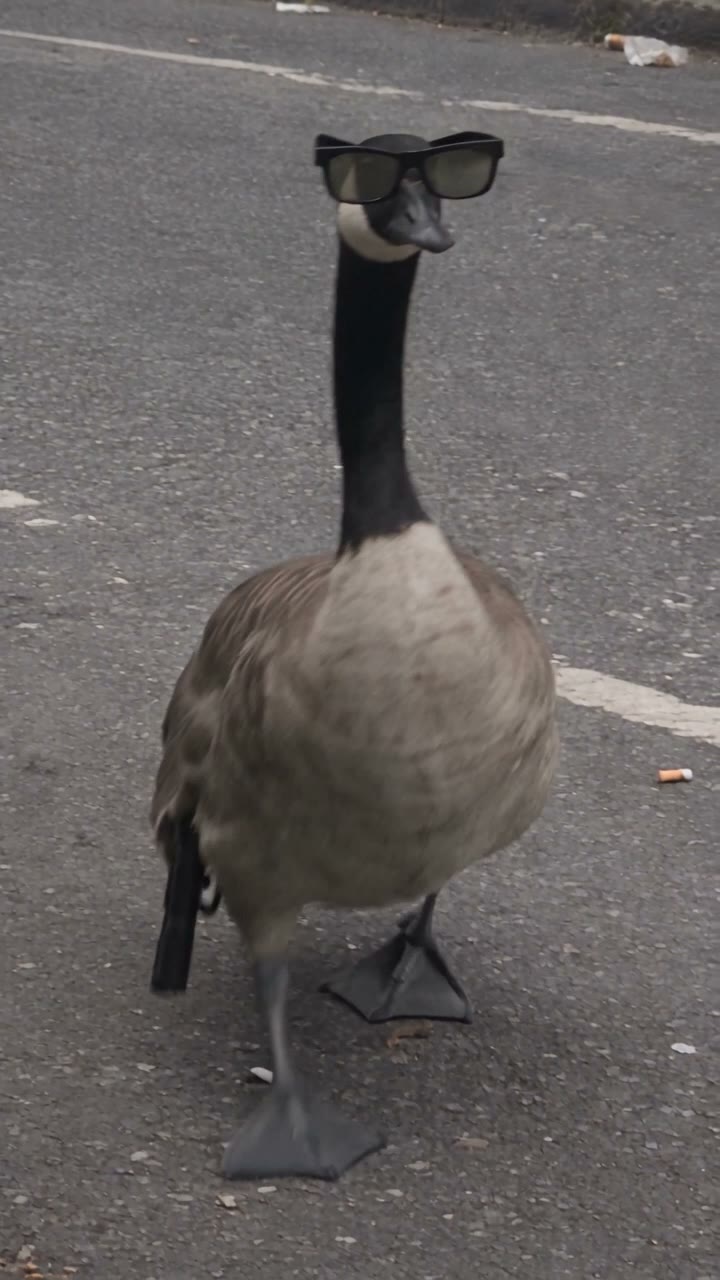
 Gangster Goose: The AI Video Prompt
A free Nano Banana Pro and Seedance 2.5 prompt. A goose in sunglasses walks into the street with a pistol, fires three shots at the sky, and three cats let their mouse go and run. 15 seconds, filmed like a bystander's phone video.
 Effect Free
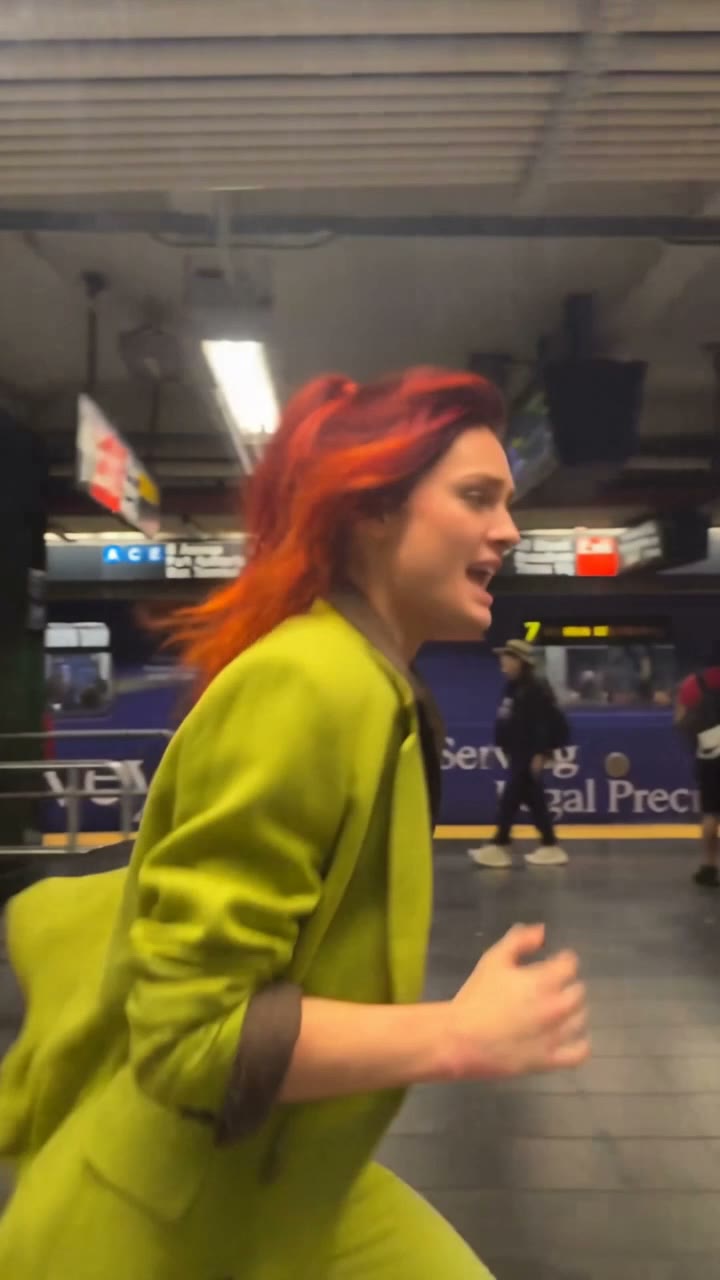
 Phone Stuck to the Train AI Prompt: Swap Yourself In
Free AI prompt for the phone stuck to the train trend. Keep every move from the subway video and put yourself in it. Character sheet and video prompts included.