Phone Stuck to the Train AI Prompt: Swap Yourself In
Free AI prompt for the phone stuck to the train trend. Keep every move from the subway video and put yourself in it. Character sheet and video prompts included.
Have it running in three steps
- 1
- 2Open ImagineArt
- 3Paste it and generate
What you'll need
30 min- ImagineArt

This is a free AI prompt for the phone stuck to the train trend. You keep every move from the original subway video and put a different person in it. The example below uses a woman in a lime green suit, but you can use your own photo.
She runs to a stopped train and presses her phone to the outside of a window. Then the video is filmed by that phone. The train pulls away, and she runs next to it, singing into the camera, until she cannot keep up and falls out of frame.
Doing this for real is risky. You can lose the phone, and metro staff do not like it. With a reference video you get the same shot without going near a train.
The whole process
- Save the original video by olliemuhl and remove the sound.
- Make a character sheet from your photo with the first prompt.
- Open ImagineArt, go to video and pick Seedance 2.5.
- Upload the video as @Video1 and the sheet as @Image1.
- Paste the video prompt and generate.
What the phone stuck to the train trend is
The original video is by olliemuhl. He posted it on Instagram on 27 August 2026 with the caption “Anyone seen a phone stuck to the train recently?” It was filmed in the New York subway.
A creator sticks a phone to the outside of a train window and films while the train moves. They dance on the platform, then run next to the train as if they are chasing it. Creators in other cities started making their own versions of it.
It works well as a reference video because the moves are big and clear, and the camera does all the hard work. The model only has to swap the person.
| Time | What happens |
|---|---|
| 0 to 2.7 s | She runs along the yellow platform edge and presses her phone to the train window |
| 2.7 to 5 s | Filmed by the phone: she turns to the camera, pulls at her collar, sings |
| 5 to 9 s | The train starts moving. She walks, then runs next to it, crouching and lunging |
| 9 to 12 s | The train speeds up. She runs flat out and falls behind |
| 12 s to end | She is gone and the empty platform slides past |
Get the reference video
Watch the original: olliemuhl on Instagram. Use the whole video. It is about 14 seconds long.
Save it, then remove the sound. Many tools reject a video that has an audio track. Any free online video tool can mute it. Keep it vertical and at 720p.
Make the character sheet
The model needs to know what the person looks like from every side. She turns, runs past the camera and moves away from it. One selfie is not enough for that.
So you make a character sheet first: one image, one close-up and four full-body views of the same person in the same clothes.
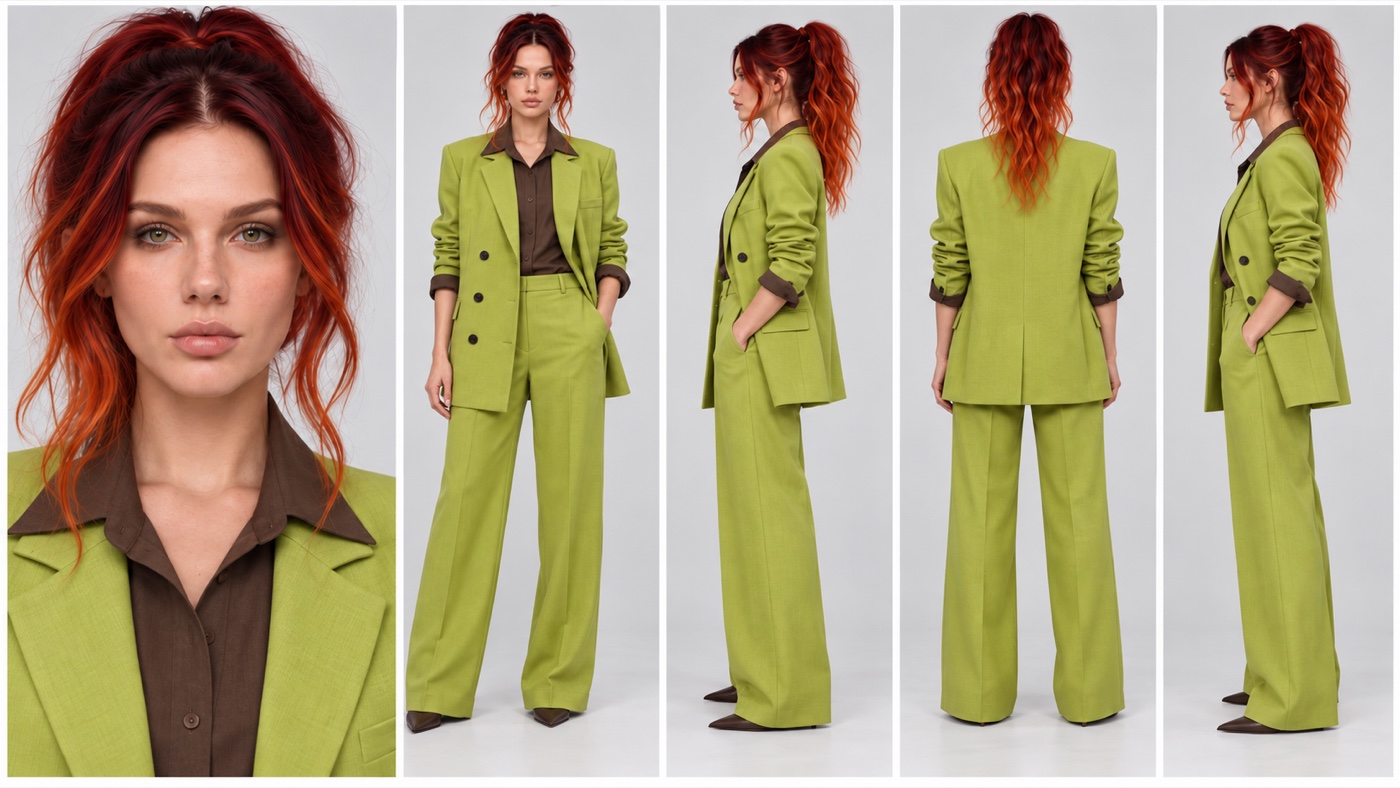
Create a photorealistic CHARACTER REFERENCE SHEET of ONE person, using Image 1 as the only identity reference.
IDENTITY — IMAGE 1: Keep the exact face, facial proportions, bone structure, eye shape and colour, eyebrows, nose, lips, skin tone, natural skin texture, freckles and moles, age, body build, and hair colour from Image 1. Do not beautify, restyle or replace the face. The person must look like the same individual in every panel.
HAIR: the hair colour from Image 1, styled in a high messy ponytail with loose wavy strands framing the face.
OUTFIT — identical in every panel: An oversized lime green double-breasted blazer in a matte linen weave, with dark round buttons and wide notch lapels, sleeves pushed up and rolled to show dark brown shirt cuffs. A dark brown collared shirt underneath, collar open over the lapels. Matching lime green wide-leg trousers with a centre crease, falling to the floor. Pointed dark brown leather shoes. No bag, no jewellery, no watch, no phone, no logos, no prints.
LAYOUT: one single 16:9 image with five panels side by side, all at the same scale:
- Close-up of the face and shoulders from the front, sharp on skin texture and eyes.
- Full body from the front, standing straight, arms relaxed.
- Full body in left profile, one hand in the trouser pocket.
- Full body from directly behind, showing the back of the blazer and the ponytail.
- Full body in right profile, one hand in the trouser pocket.
BACKGROUND: plain seamless light grey studio background, completely empty. No props, no text, no labels, no numbers, no watermark.
LIGHT: soft, even, neutral studio light, the same in every panel. The lime green must look like the same green in every panel.
RENDER: photographic, real fabric texture and real skin texture. No illustration, no 3D render, no plastic skin.
Keep the light grey background and the flat light. The sheet only has to show what the person looks like. Neutral light makes it easier for the video model to put her under the subway lights.
Write the video prompt
This is the exact prompt that made the video at the top of the page.
[Edit Goal]
Edit @Video1. Across the entire video, replace only the young man in the black double-breasted blazer with the woman from @Image1. She performs every one of his movements exactly. Keep the original subway station and train.
[Source Video Role]
@Video1 is the sole editing master. It defines the subway station, the silver train, the passengers inside, the background commuters, the composition, the camera position and movement, the cut at about 2.7 seconds, the motion path, body poses, gestures, mouth movements, timing, and event order.
[How the Video Works]
Shot 1 (0 to 2.7 s), filmed by a friend on the platform: she runs along the yellow platform edge to the stopped silver train, presses her phone flat against the outside of a train window with the screen facing the glass and the camera facing the platform, and sticks it there. She taps and smooths it with both hands so it holds to the glass, while the passengers inside watch.
Shot 2 (2.7 s to end) is filmed by that phone, now stuck on the outside of the train window and looking out at the platform. The train starts moving, so the camera glides sideways along the platform with the train. She stays close to the phone and walks, then runs alongside the moving train to keep her face in front of it, mouthing the song straight into the camera, pulling at her blazer collar, crouching, lunging, and swinging her arms. The train accelerates, she cannot keep up, she falls behind and drops out of frame, and the empty platform keeps sliding past.
[Target Reference Role]
@Image1 is a character sheet of one single woman: a close-up of her face plus front, left profile, back, and right profile views of the same person. Use only her face, skin with light freckles, green eyes, dark-red-to-copper wavy hair in a high messy ponytail with loose face-framing strands, and her outfit: oversized lime-green double-breasted linen blazer with dark buttons and rolled sleeves showing brown cuffs, a dark-brown collared shirt, wide-leg lime-green trousers, and pointed dark-brown shoes. Do not use the light-grey studio background, the white studio lighting, the static standing poses, or the multi-panel layout.
[Edit Scope]
Modify only the man’s body and the area his silhouette covers. The entire video contains exactly one woman from @Image1 and no trace of the man. Remove his white earphone cable, white shirt, black tie, and blue jeans; she wears only her own outfit. Do not modify the train, the window, the platform, the signs, the passengers, the commuters, or the camera.
[Timeline Inheritance]
She inherits every appearance, motion, and exit of the man, including timing, duration, path, and speed changes. Her ponytail and the loose blazer swing with every move. Her face stays recognisably the woman from @Image1 in every frame, including fast motion and motion blur. Keep the real smartphone footage look of @Video1: the same subway light on her skin and hair, the same grain, and the same blur.
Except for the subject replaced above, keep all other people, props, scene content, camera movements, cuts, and event order from @Video1 unchanged.
[Lip Sync]
Her lips copy the man’s mouth movements exactly, word for word and syllable for syllable, with the same timing: every opening, closing, rounded vowel, pause, and big open-mouth note lands on the same frame as in @Video1. Do not invent new words, new mouth shapes, or a different melody.
[Audio]
Only natural subway ambience: <footsteps on the platform>, <train doors closing>, <train rumbling as it pulls away>, <muffled crowd chatter>. No music, no singing, no voice.
Most of the prompt protects what is already in the reference. Four parts decide the result.
@Video1 is the sole editing master hands the place, the camera and the
timing to the reference. Your text only changes the person.
[How the Video Works] explains the trick, step by step. The model copies
the motion much better when it knows why the camera moves.
exactly one woman and no trace of the man stop a second person from
appearing, and stop his tie or jeans from staying on her.
[Lip Sync] keeps her mouth on his words. The reference has no sound, so the
model only has his mouth to follow.
Generate
Open ImagineArt+200 free credits, go to video and pick Seedance 2.5. Choose
the video edit mode, where you upload a video to change. Upload the muted
reference as @Video1 and the character sheet as @Image1. Paste the prompt.
The length and the 9:16 shape come from the reference video, so you do not set them. The video here was made at 720p.
Where it goes wrong
| What you got | The fix |
|---|---|
| The upload is rejected | The video still has sound or is too big. Mute it and save it at 720p |
| The second shot looks like a selfie, and the run makes no sense | Keep the whole [How the Video Works] block. It explains that the phone is stuck to the train |
| Her face changes from shot to shot | Use a sharp, front-facing photo for the sheet, then generate again. Fast running with motion blur is the hardest part |
| His tie or jeans stay on her | Keep Remove his white earphone cable, white shirt, black tie, and blue jeans and list her outfit in [Target Reference Role] |
| Two people appear | Keep The entire video contains exactly one woman from @Image1 |
| She sings different words than he does | Keep the [Lip Sync] block as it is. Do not describe a song or lyrics anywhere else |
| You changed the station and it got confusing | Keep the original station. New stations often add glass barriers between the platform and the train, and then the phone has nowhere to go |
Questions about the phone stuck to the train AI prompt
Which AI model works for the phone stuck to the train trend?
This page uses Seedance 2.5 on ImagineArt, in video edit mode. You need a model that takes a video to edit and an image of the new person.
Can I put myself in the video?
Yes. Attach a clear photo of your own face as Image 1 when you make the character sheet in step 2. Then change the description of the woman in the video prompt to match you.
Is the video vertical?
Yes. The original is 9:16, and in edit mode the result keeps the shape of the reference video. It is ready for Reels and TikTok.
Can I add the song back?
Yes. The model makes the video without music. Add the sound you want in your editor or in the Reels app after you generate.
Is the prompt free?
Yes. Every prompt on this page is free to copy and use.
Find more video prompts or try this one on ImagineArt+200 free credits.
Why this workflow runs here
Everything in one place
Free to start
Minutes, not days
Make yours in the next 30 min
You have the whole prompt and every setting. The only thing left is an account, and that takes a minute.
- 200 free credits on sign-up
- Prompts ready to paste
- Upgrade only if you want more
Referral link — if you subscribe I earn a commission, at no extra cost to you. More on that.
Related prompts
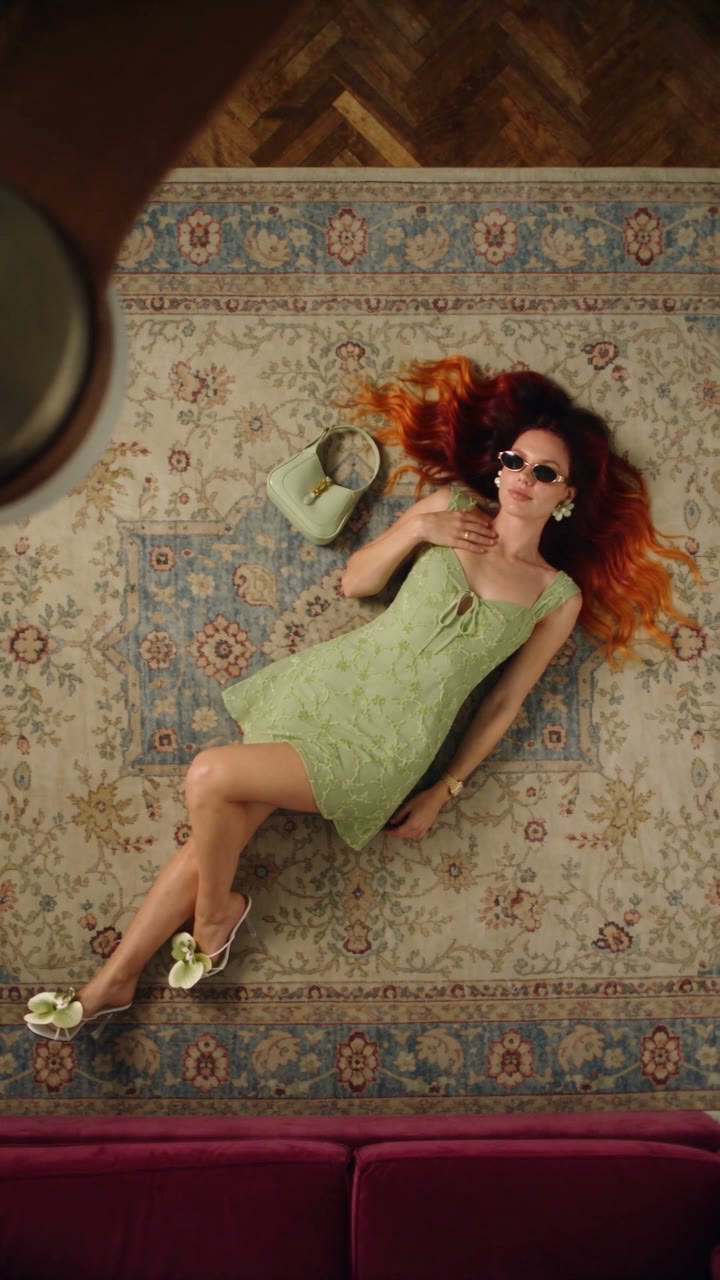 Effect Free
 Fan Blade Outfit Change: The Top-Down AI Prompt
A free Seedance 2.5 prompt. She lies on a rug, a slow ceiling fan blade sweeps over her, and her outfit is new. Five looks, 20 seconds, five reference images.
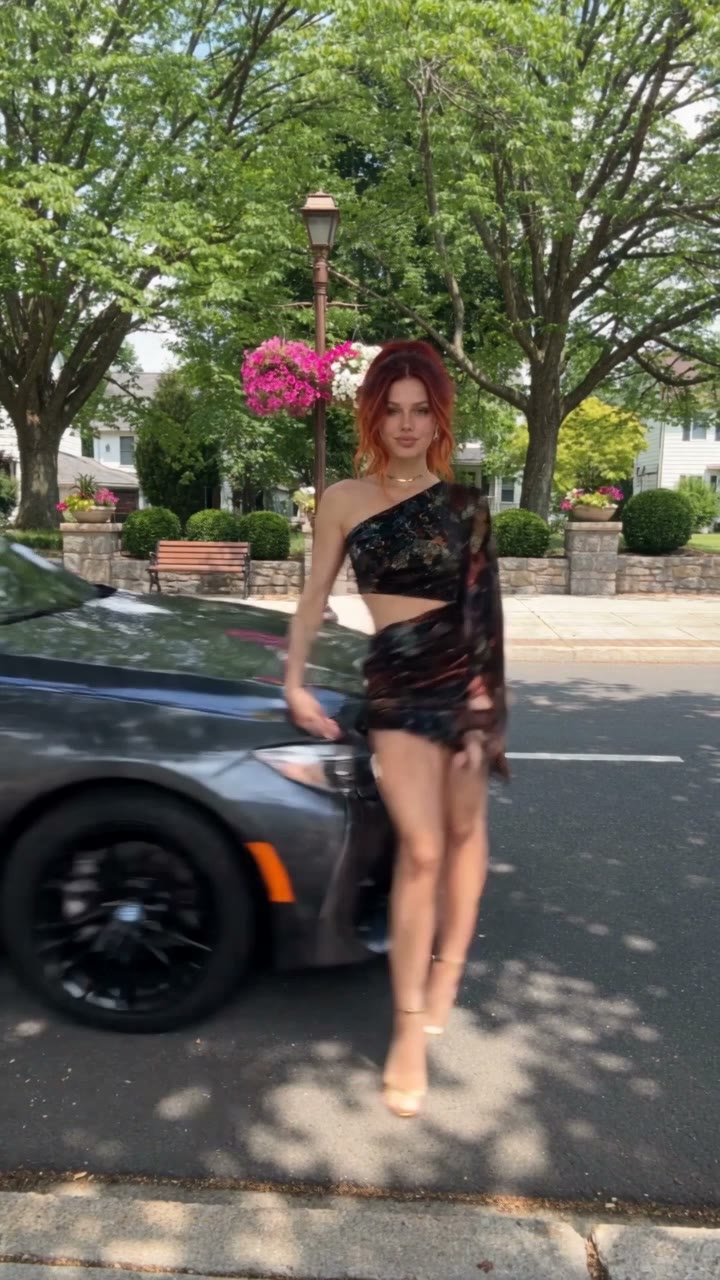 Effect Free
 Fit Check Hit by a Car: The AI Video Prompt
A free Seedance 2.5 prompt. She films a street fit check on her phone, shows the outfit from every side, and a car takes her out of frame. 12 seconds, one reference image.
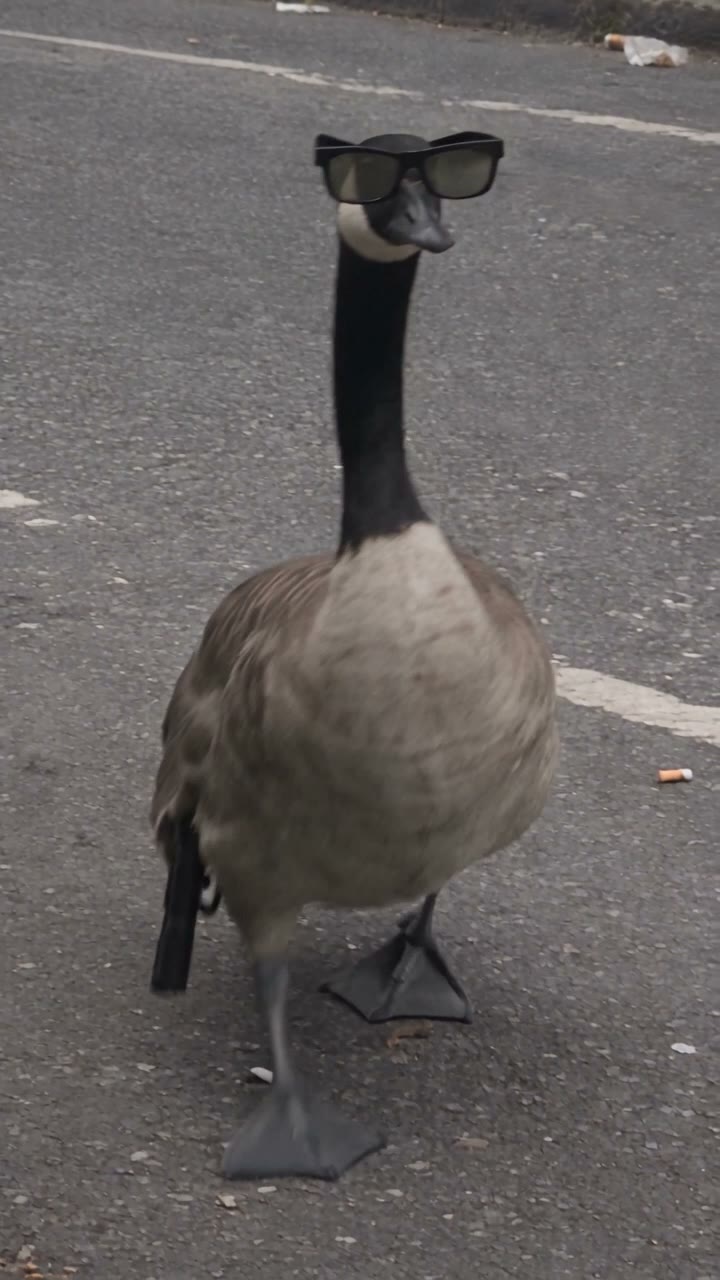 Effect Free
 Gangster Goose: The AI Video Prompt
A free Nano Banana Pro and Seedance 2.5 prompt. A goose in sunglasses walks into the street with a pistol, fires three shots at the sky, and three cats let their mouse go and run. 15 seconds, filmed like a bystander's phone video.