Toy Car to Real Car AI Video Prompt: Train Tunnel
A toy car to real car AI video prompt for Seedance 2.5. A model car on a train window turns into your real car in a tunnel and drives into a rainy night city.
Have it running in three steps
- 1
- 2Open ImagineArt
- 3Paste it and generate
What you'll need
30 min- ImagineArt

This toy car to real car AI video prompt starts on a train. A small model car sits on the windowsill, and green mountains move past in bright daylight. The train goes into a tunnel. When it comes out, the toy is a real car on a wet city road at night.
The tunnel is dark for a moment, so you cannot see the toy turn into a real car. The light also goes from day to night there, which makes the change feel bigger.
You can use any car. Take one photo of it, turn it into a car sheet, and add the reference video from this page.
The whole process
- Download the reference video from this page.
- Make a car sheet from one photo of your car.
- Open ImagineArt, pick Seedance 2.5, add the video and the car sheet, and paste the video prompt.
What happens in 14 seconds
| Time | What happens |
|---|---|
| 0–3s | A small green car sits on the train windowsill. Mountains and pine trees pass by in the sun |
| 3–5s | The train goes into the tunnel and the window turns black |
| 5–7s | The toy is now a real car, driving through the lit tunnel |
| 7–14s | The car comes out onto a wet city road at night, with neon lights shining on the asphalt |
Download the reference video
This video gives the model all the motion: the train window, the tunnel, the camera and the timing. The prompt changes only the car, the places and the light.
Make your car sheet
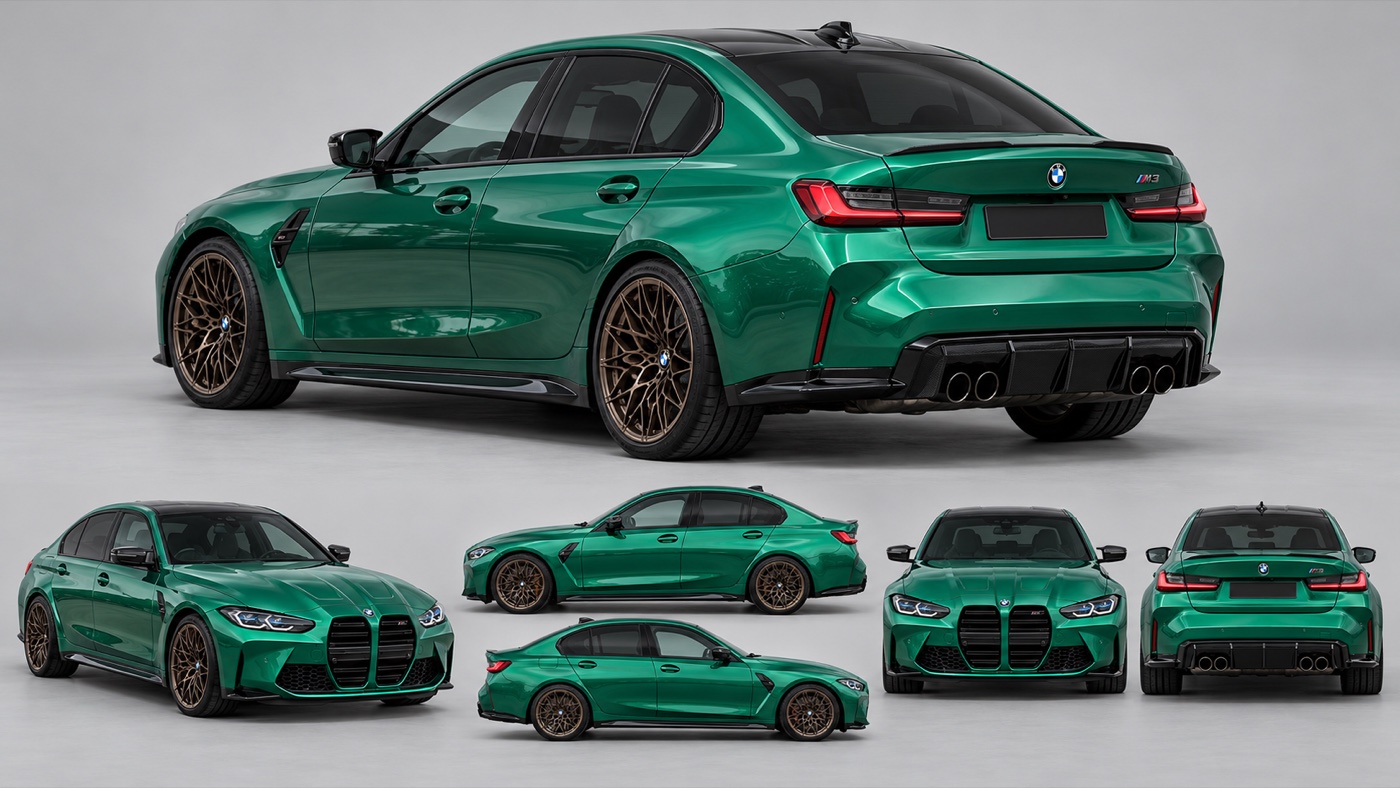
Take one clear photo of your car. Add it to an image model in ImagineArt+200 free credits, set 16:9 and use this prompt. It makes one picture with six views of the same car.
Create a photorealistic vehicle reference sheet of the exact car from @Image1. Keep the same make, model, body shape, paint colour, livery, decals, stickers, wheels, tyres, ride height, lights, mirrors, spoiler and all small details. Do not redesign, restyle or “improve” the car in any way.
Layout: one clean sheet on a plain light-grey studio background, soft even lighting, no shadows that hide details, no text, no labels, no people.
Show 6 views of the same car, all at the same scale:
- Rear three-quarter view, left side (large hero view, top half of the sheet)
- Front three-quarter view, right side
- Full left side profile
- Full right side profile
- Straight front view
- Straight rear view
All doors closed. Wheels straight. Number plates blank. Sharp focus, real car photography, true-to-life materials and reflections. 16:9, high detail.
This is the car we used.
Make the video
Open ImagineArt+200 free credits and pick Seedance 2.5. Add two files:
- @Video1: the reference video from step 1
- @Image1: your car sheet from step 2
Paste the prompt below. If your car is not green, change the colour words in the first lines.
Recreate @Video1 as closely as possible, shot for shot. Replace the original car with the exact car from @Image1. Keep its body shape, green paint, black roof, bronze wheels, carbon parts and proportions identical in every frame.
Keep from @Video1: the train window, the camera movement, the framing, the timing, the tunnel and the order of the scenes. Change only the environment and the light, in two parts:
Part 1, before the tunnel (bright day): The car from @Image1 is a small, realistic scale model sitting on the train windowsill, seen from the rear three-quarter angle. Outside the window: green mountains, pine forest and a clear blue sky, bright soft daylight, the landscape moving past.
Tunnel: The train enters the tunnel. In the dark, the scale model turns into the full-size real car driving on the road, with a smooth, almost invisible transition, exactly like in @Video1.
Part 2, after the tunnel (city at night after rain): The real car drives out of the tunnel onto a wet city highway at night. Wet asphalt, neon signs and street lights reflecting on the road and on the green paint, red tail lights glowing, light mist, city buildings with lit windows in the background.
Keep the same rear three-quarter angle and the same car position during the transition and until the end. All doors stay closed.
Photorealistic, cinematic, natural motion. One continuous shot. No cuts, no camera jumps, no warped body, no changing paint colour, no extra cars or objects, no AI artifacts.
Why this prompt works
The reference video carries the motion. The prompt does not need to explain how the camera moves or when the tunnel comes.
The prompt lists what to keep from the video (the window, the camera, the timing) and says that only the places and the light change. With that list, the model has less room to make up a new story.
The toy turns into the real car in the dark part of the tunnel, where the change is easiest to hide.
The car colour is written in words as well as shown in the car sheet. Neon light can shift the paint colour, and the words help keep it the same.
Where it goes wrong
| What you got | The fix |
|---|---|
| The paint colour changes in the neon light | Write your car’s colours in “Keep its body shape, green paint, black roof…” |
| The car looks different from the side | Use a car sheet with a clear, large rear three-quarter view |
| After the tunnel you get the old road from the reference video | Keep “Change only the environment and the light, in two parts” |
| The city is too dark to see the car | Add “the car is clearly lit by street lights” to Part 2 |
| The toy changes before the tunnel | Keep “In the dark, the scale model turns into the full-size real car” |
| A second car appears | Keep “no extra cars or objects” |
Questions people ask
Which model makes this? Seedance 2.5 on ImagineArt makes the video. The car sheet comes from an image model.
Can I use my own car? Yes. Use a photo of your car in step 2. Then change the colour words in the video prompt.
Is it vertical? No. The reference video is 16:9, so the result is 16:9 too.
Is it free? The prompts and the reference video are free. ImagineArt lets you sign up for free, and videos cost credits.
Why does the light change in the tunnel? In the dark you cannot see the toy turn into the real car. Coming out into a different place and time makes the change easy to notice afterwards.
Ready? Download the reference video, open ImagineArt+200 free credits and pick Seedance 2.5.
Why this workflow runs here
Everything in one place
Free to start
Minutes, not days
Make yours in the next 30 min
You have the whole prompt and every setting. The only thing left is an account, and that takes a minute.
- 200 free credits on sign-up
- Prompts ready to paste
- Upgrade only if you want more
Referral link — if you subscribe I earn a commission, at no extra cost to you. More on that.
Related prompts
 Effect Free
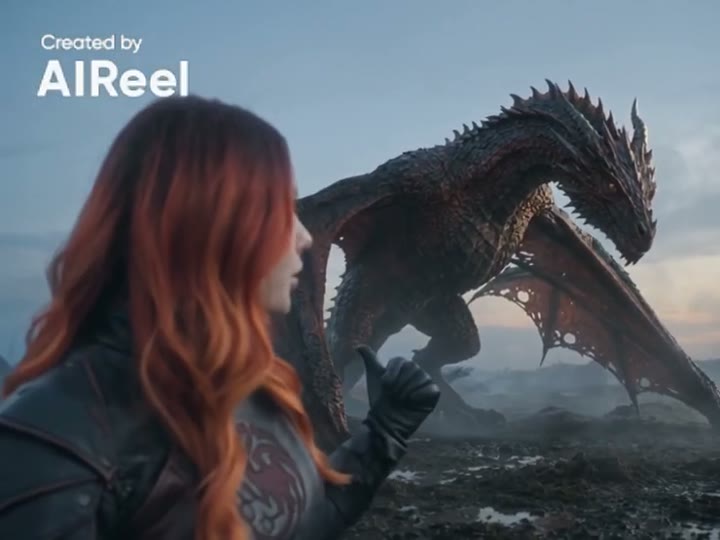
 24 GTR AI Prompt: Swap the Car for Your Dragon
A 24 GTR AI prompt for the AIReel effect. You flash the UNO cards, the scene cuts to a stone mountain, and a dragon stands behind you instead of a car.
 Effect Free
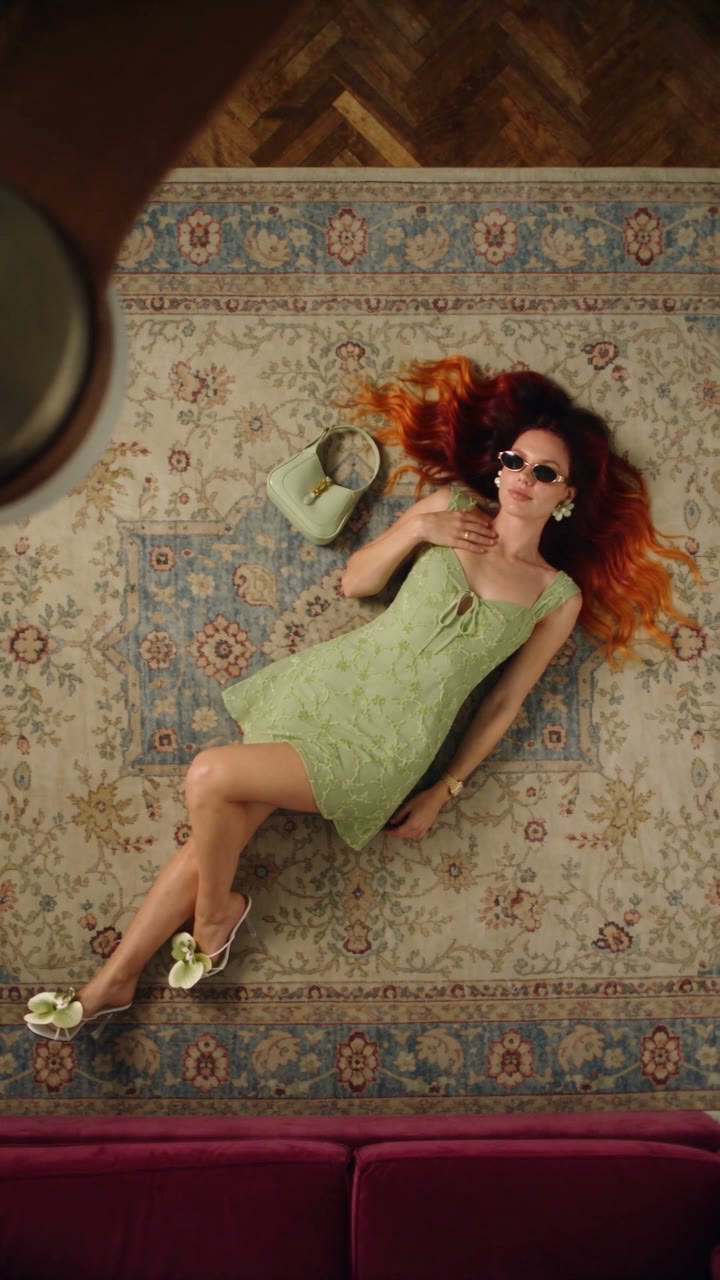
 Fan Blade Outfit Change: The Top-Down AI Prompt
A free Seedance 2.5 prompt. She lies on a rug, a slow ceiling fan blade sweeps over her, and her outfit is new. Five looks, 20 seconds, five reference images.
 Effect Free
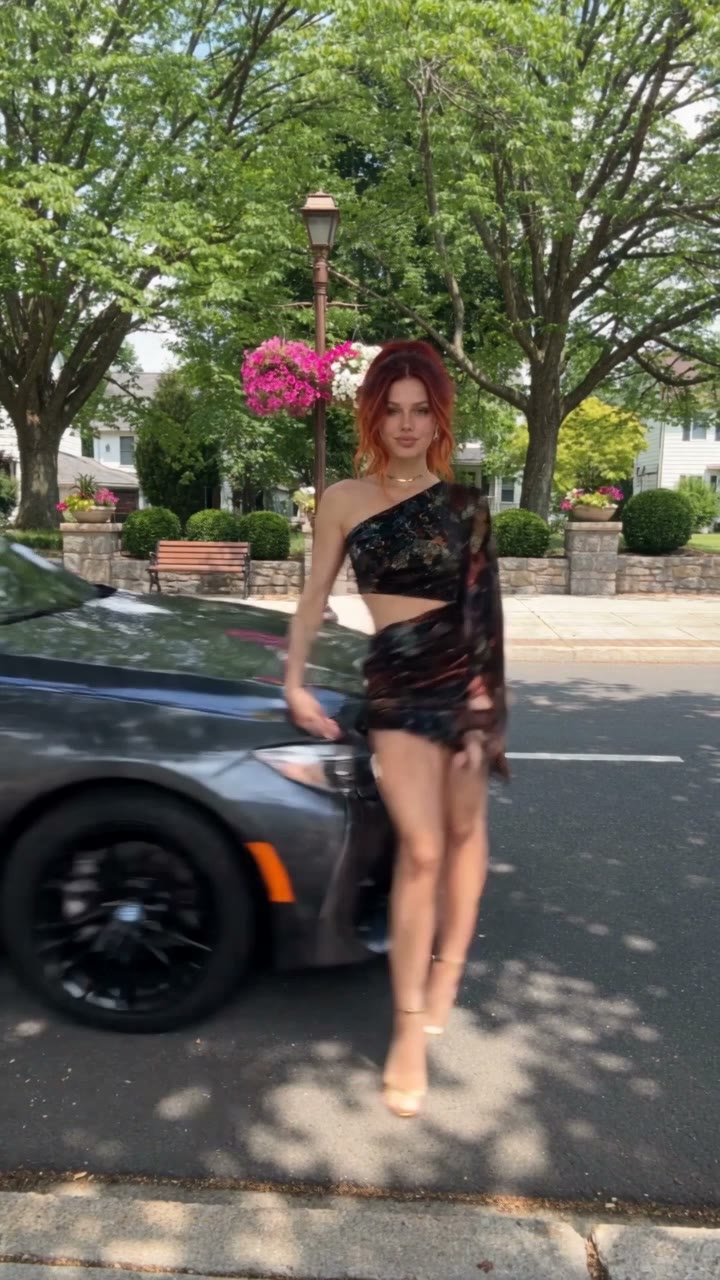
 Fit Check Hit by a Car: The AI Video Prompt
A free Seedance 2.5 prompt. She films a street fit check on her phone, shows the outfit from every side, and a car takes her out of frame. 12 seconds, one reference image.