POPSTAR AI Trend — Make the Video From One Photo
POPSTAR AI trend with no prompt: open the POPSTAR AI effect on AIReel, upload one photo and press Generate Now. Screenshots for every step.
15% off AIReel with my code
You do not need a prompt for the POPSTAR AI trend. This is the scene from the POPSTAR music video: a big house, a bottle of champagne, the stairs and a party at the end. AIReel has it as a ready effect called POPSTAR AI. You open it, upload one photo and press one button.
The video above was made this way. Every screenshot below shows the exact place to click, in green.
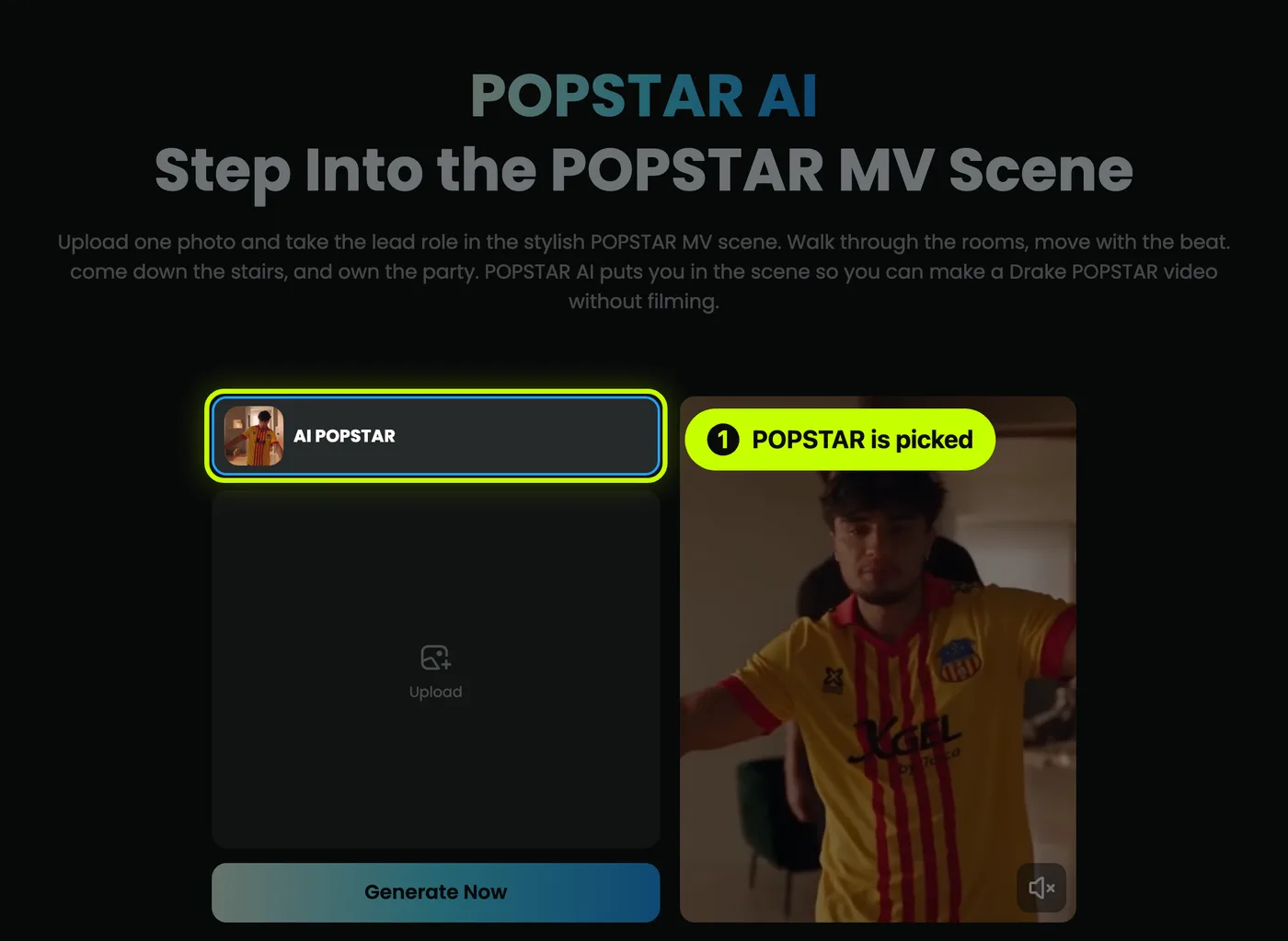
Open the POPSTAR AI effect
Click the button on this page. It opens the POPSTAR AI page on AIReel. The AI POPSTAR effect is already picked at the top of the box.
If you land somewhere else on AIReel, click Effects in the menu, then click POPSTAR.
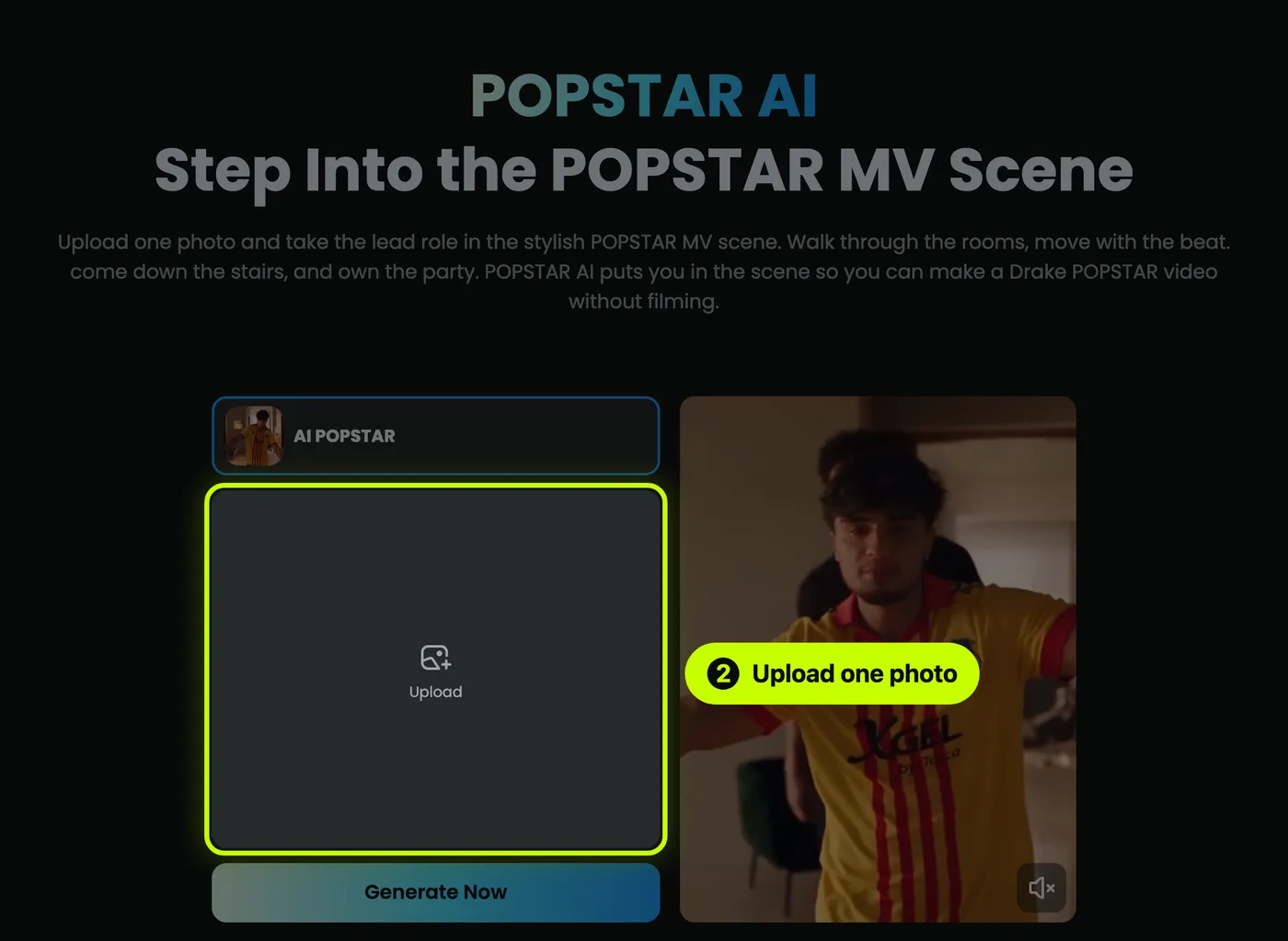
Upload one photo
Click the big Upload box and choose a photo of the person you want in the video. One person, face clear, looking at the camera.
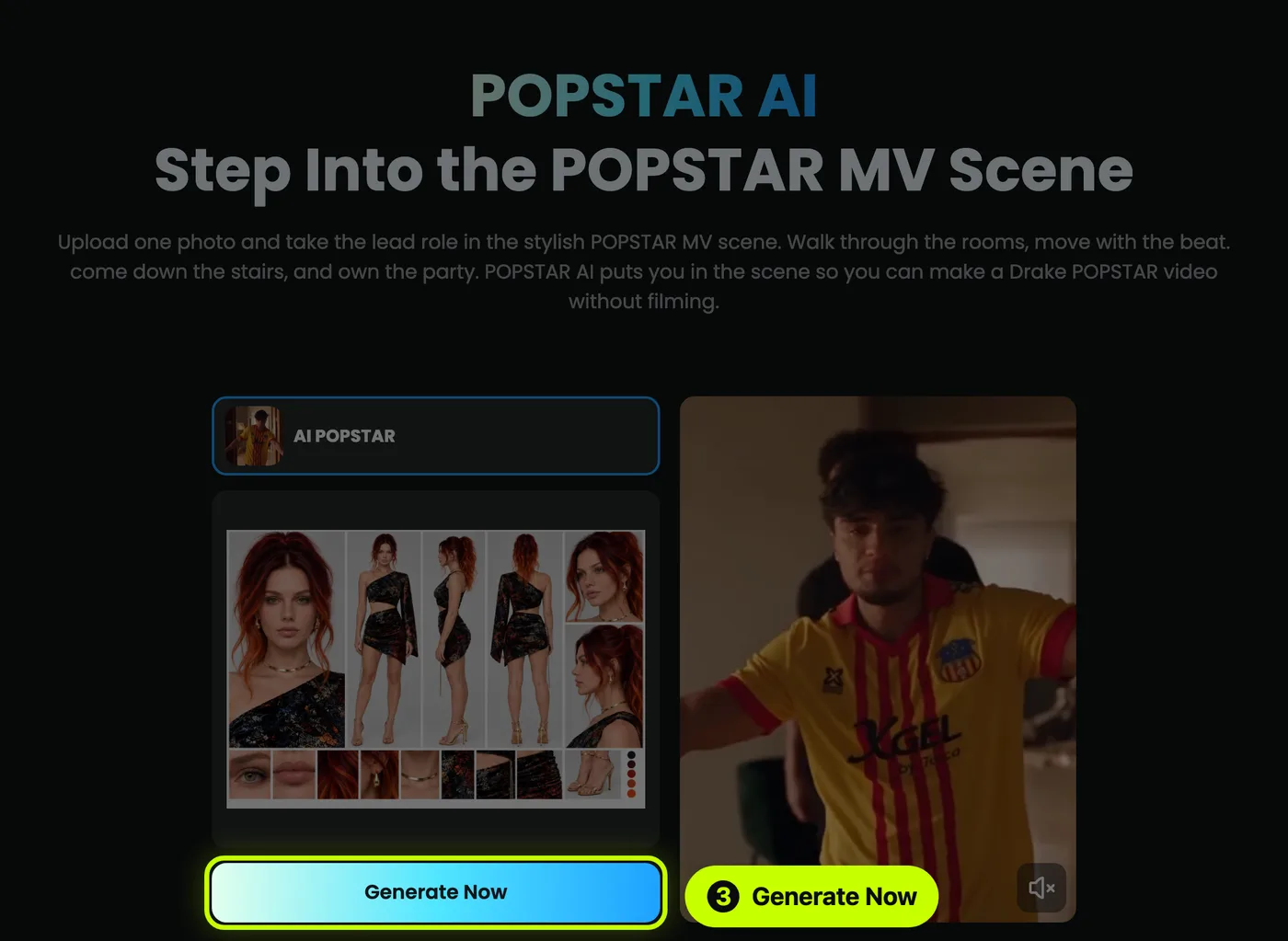
I used a character sheet: one image with the face, the full body and the outfit from the front, side and back. It helps the effect keep the same face and clothes in every shot. A normal clear photo works too.
Click Generate Now
When your photo shows in the box, click Generate Now. AIReel will ask you to log in if you have not yet. Your video appears under My Work when it is ready. Done.
Good to know
- Do I need to write a prompt? No. The effect already knows the scene, the moves and the camera. You only give it one photo.
- What photo works best? One person, face clear, in good light. If the whole outfit is in view, the effect can copy it.
- Can I put myself in it? Yes. That is the whole idea.
- Can I use a photo of a friend? Only with their permission.
- Is it free? You can sign up for free. The effect uses credits, and AIReel shows the cost before you generate.
AIReel is a partner of this site. The link tells them you came from here. You pay nothing extra.